

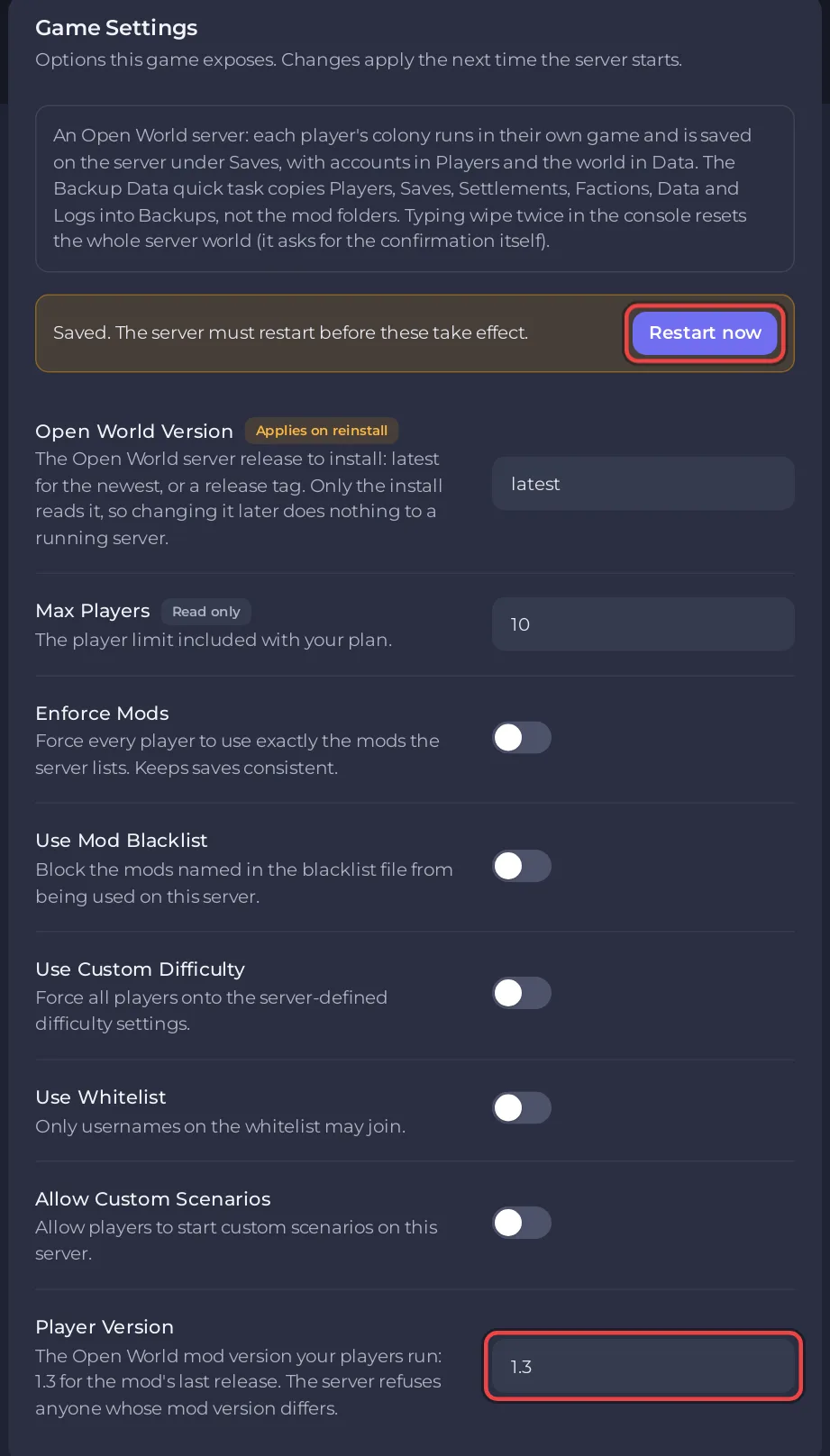
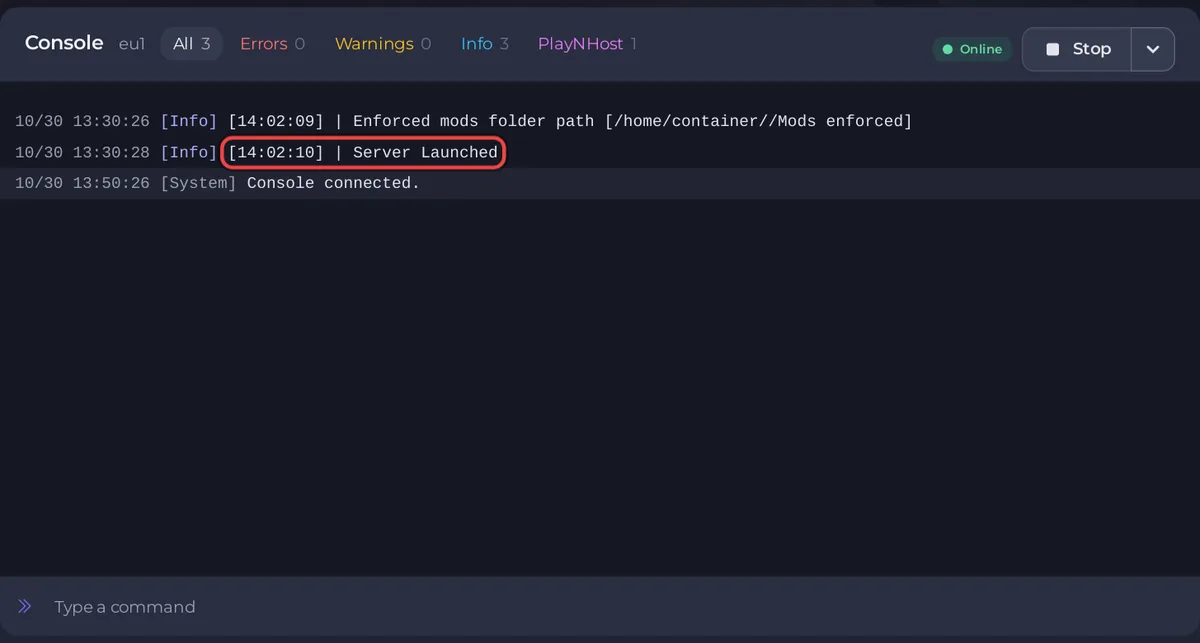
To start a new RimWorld Open World server on PlayNHost, click Start. The server is ready when the Console prints Server Launched and the badge changes to Online, which took about 11 seconds when PlayNHost measured it. A new server's Player Version under Settings is already 1.3, the version the last Open World mod reports, so there is nothing to change first. The server refuses every player whose mod version does not match it exactly.
Start it
- Open your server in the panel and click the Settings tab.
- In the Game Settings card, check that Player Version says
1.3. If it shows anything else, type1.3and press Enter. - Click Start. The badge near the server name changes to Starting.
- Click the Console tab and wait for the line
Server Launched. The badge now says Online.
What does the Console show?
After the panel's own date, time and [Info] tag, each line starts with the server's time in brackets, for example [18:04:12] | Server Launched. Before the ready line, the server prints the folders it uses (Main folder path, Enforced mods folder path and the others), then Local address [0.0.0.0] and Server port [...] with your server's own port. You never set the port yourself: before every start the panel writes your server's port into Data/Config.json, with the player limit and the other Game Settings.
What does a new server have?
PlayNHost installs Open World server release v1.0.4 (5 May 2023), the last release of the Open World server. A new server has:
- No world yet. The first player who connects generates the world for everyone, in RimWorld with only Open World, Harmony and HugsLib active. Do this yourself, first: How to generate the world on your RimWorld Open World server.
- No accounts. Each player registers a username and password the first time they connect.
- Player slots: the number your plan includes, on the Slots row of the Server details card on Overview.
- Every switch off: Enforce Mods, Use Mod Blacklist, Use Custom Difficulty, Use Whitelist and Allow Custom Scenarios. So anyone with the address and the right mod version can join, with any mods. See RimWorld Open World server settings reference.
- Folders the server creates on its first start:
Players,Saves,Settlements,Factions,Data,Logs,Backups,Mods enforced,Mods whitelistedandMods blacklisted. - A nightly panel backup: the Automatic backup schedule, when your plan has backup slots. The game also copies its own data into
Backupsevery 6 hours. See How to back up and restore your RimWorld Open World server.
What should I do next?
- Check that you and your friends can run the mod: Open World was made for RimWorld 1.4. See Which RimWorld version does a RimWorld Open World server need?
- Join your server and generate the world.
- Make yourself admin with
opand your username, then log out of the server and back in. - Invite your friends.
What if it never says Online?
Read the last lines in the Console. A red line names the problem. Use Stop rather than Kill to shut it down: Stop sends the game's shutdown command, which saves player files first. See RimWorld Open World server problems and fixes and the general guide How to fix a server that will not start.


