



7 Days to Die Server Hosting
Just launchedUp to 70% off first month7 Days to Die server hosting for 8 players (4 GB RAM), with plans up to 30 players, in Europe, North America, South America, Asia or Australia. Upload overhaul mods and modlets to the Mods folder over SFTP or the File Manager; the Oxide (uMod) framework is a one-click toggle for the add-ons built on it.
 Instant Server Setup
 DDoS Protection
 24/7 Live Support
 72hr Money-Back Guarantee
 Auto-Updates via SteamCMD
 One-Click Oxide Mod Installer
Choose Your Plan
 IRON PICKAXE
 STEEL PICKAXE
 AUGER
Secure and trusted payments






Exclusive Features
- Automatic Updates
- Auto File Validation
- Automatic Backups
- Fully Configurable
- Full SFTP Access
- Control Panel
- 99.9% Uptime
- DDoS Protection
- 24/7 Support
- Self-Serve Guides
- Low Latency
- Server Console
- Instant Setup
PLAY 7DTD MULTIPLAYER
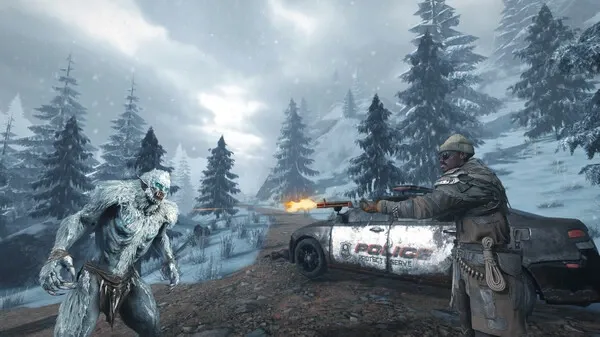
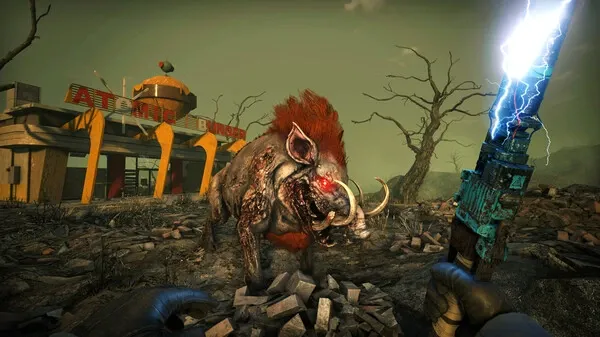
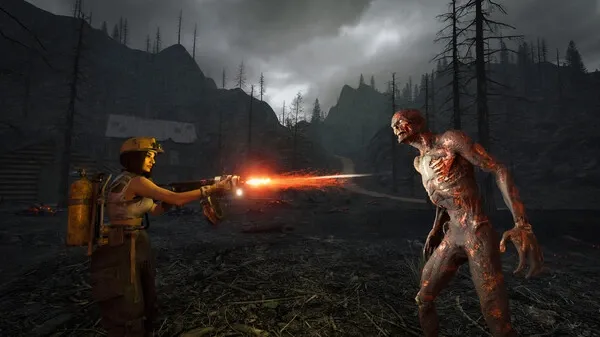
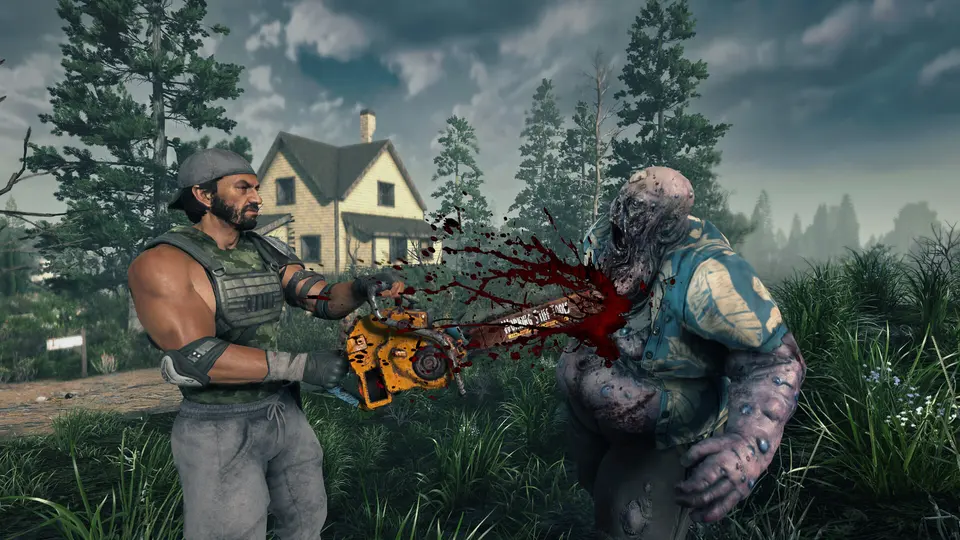
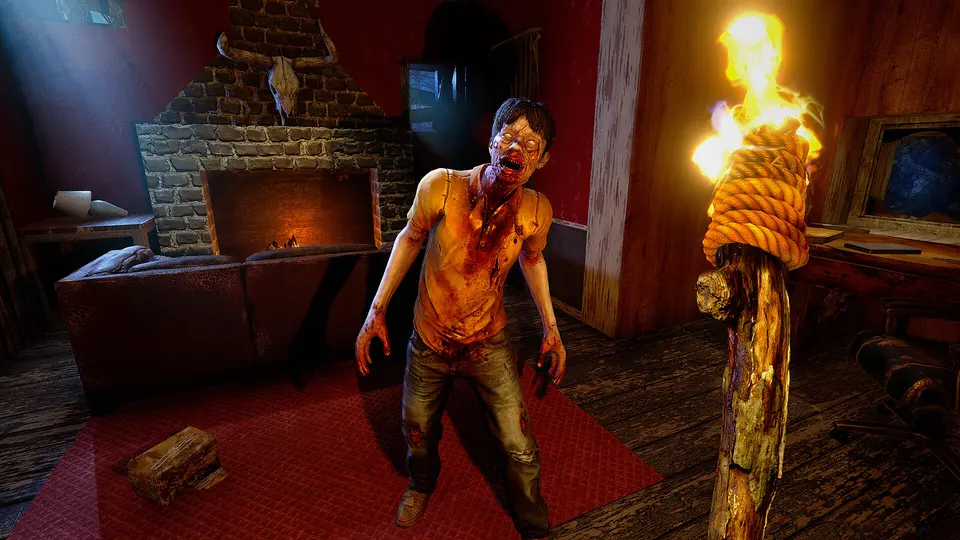
Face the ultimate survival horror in 7 Days to Die with your own private multiplayer server. Gather your squad, build fortresses, and defend against waves of undead in a persistent, post-apocalyptic world. Fine-tune every aspect of gameplay including difficulty, spawn rates, and PvP settings to create your perfect zombie survival experience.
MODLETS, OVERHAULS, PREFABS
Take full advantage of mod support with easy installation of overhaul mods like Darkness Falls, War3zuk, or Ravenhearst. Upload new weapons, vehicles, zombie types, or UI enhancements straight to your Mods folder over SFTP. With total configuration access and automated backups, you'll have the freedom to shape every element of your apocalyptic sandbox.

7 DAYS TO DIE GUIDES
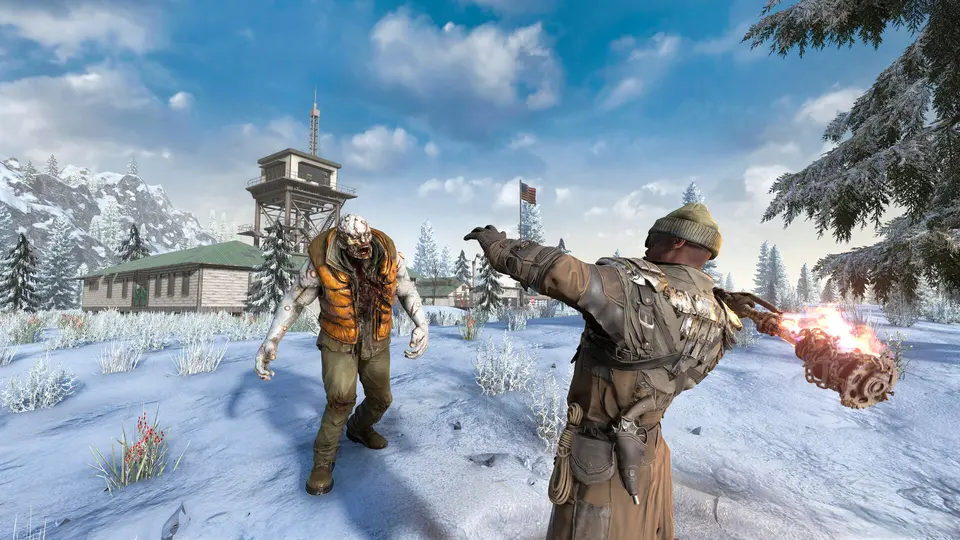
Step-by-step help for your 7 Days to Die server: joining, mods, settings, backups and fixes.

 All 7 Days to Die guides
Free 7 Days to Die tools
Frequently
Asked
Questions
Here are some 7 Days to Die-specific FAQs. If you need even more, head to our knowledgebase.
 View FAQs
Can PlayStation and Xbox players join my 7 Days to Die server?
How do I create a 7 Days to Die server?
Do you support mods and plugins?
First 7 Days to Die server: will you help if I get stuck?
Can I get my money back if it’s not what I expected?
How much does a 7 Days to Die server cost at PlayNHost?
What do you get with a 7 Days to Die server at PlayNHost?
Get your own 7 Days to Die server
Spin up your own 7 Days to Die server in minutes and run it your way. Powerful hardware, full control, and 24/7 support behind every plan.
Build your 7 Days to Die server