


 Early Access
Hytale Server Hosting
Explore Orbis with your friends on a Hytale server of your own. You sign it in once with the Hytale account you play on, and it keeps itself updated, restarted and backed up.
 Instant Server Setup
 Daily Restart With Automatic Updates
 Nightly Backups of Your Worlds
 Easy Mod Uploads
 In-Panel Settings Editor
 Full SFTP File Access
 DDoS Protection
 24/7 Live Support
 72hr Money-Back Guarantee
Choose Your Plan
 COPPER
 IRON
IRON
 THORIUM
 ADAMANTITE
Secure and trusted payments





Exclusive Features
- Automatic Updates
- Scheduled Restarts
- Automatic Backups
- Fully Configurable
- Full SFTP Access
- Control Panel
- 99.9% Uptime
- DDoS Protection
- 24/7 Support
- Low Latency
- Instant Setup
PLAY HYTALE MULTIPLAYER
Hytale mixes a block-building sandbox with an adventure RPG. Explore the zones of Orbis with your group, fight its creatures, raid dungeons and build anything you like, on a world that stays online when you log off.
MODS GO IN THE MODS FOLDER
Hytale servers load mods from their mods folder. Download a mod (a .zip or .jar file) from a source such as CurseForge, upload it to Server/mods with the file manager or SFTP, and restart.
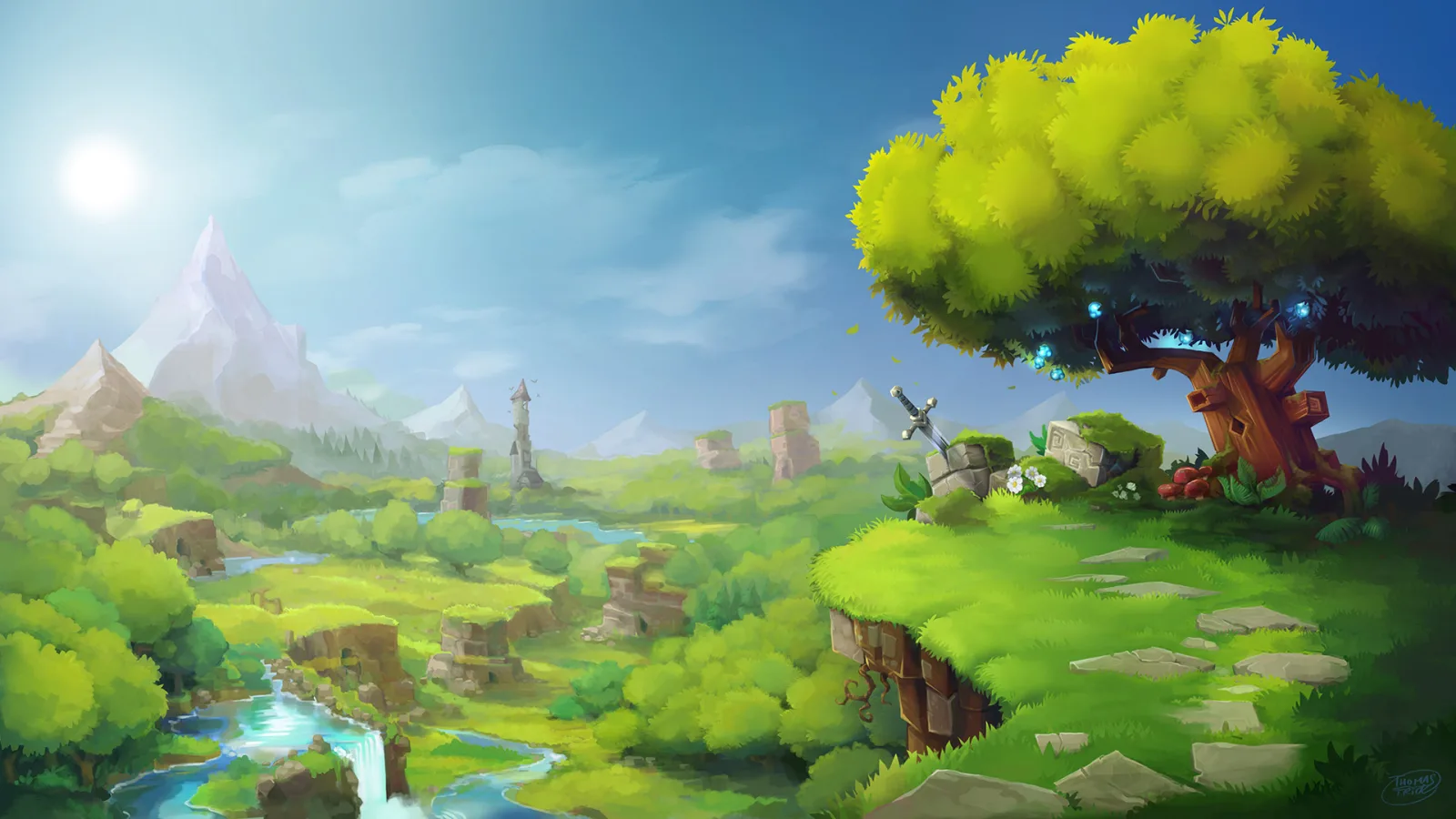
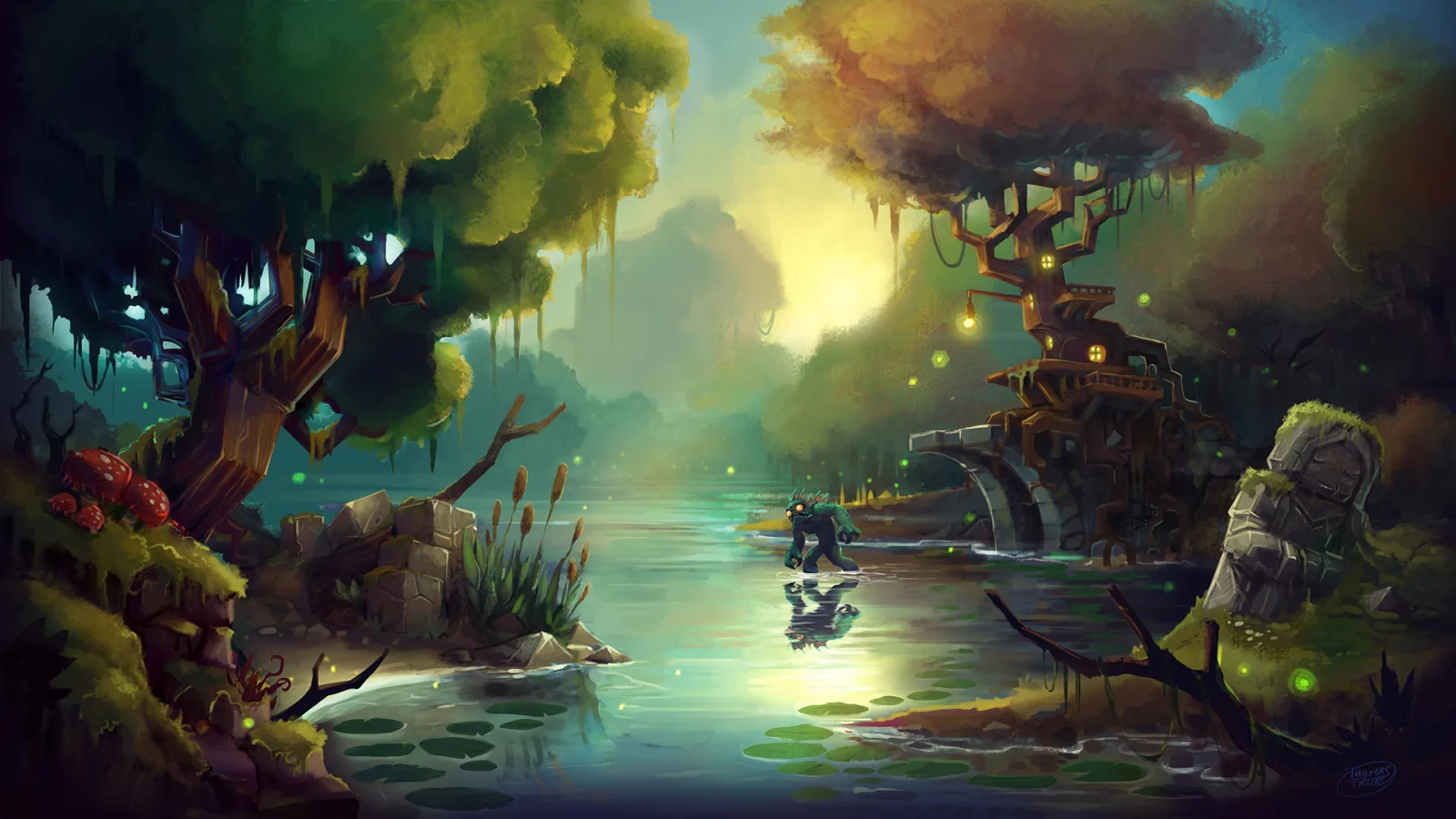

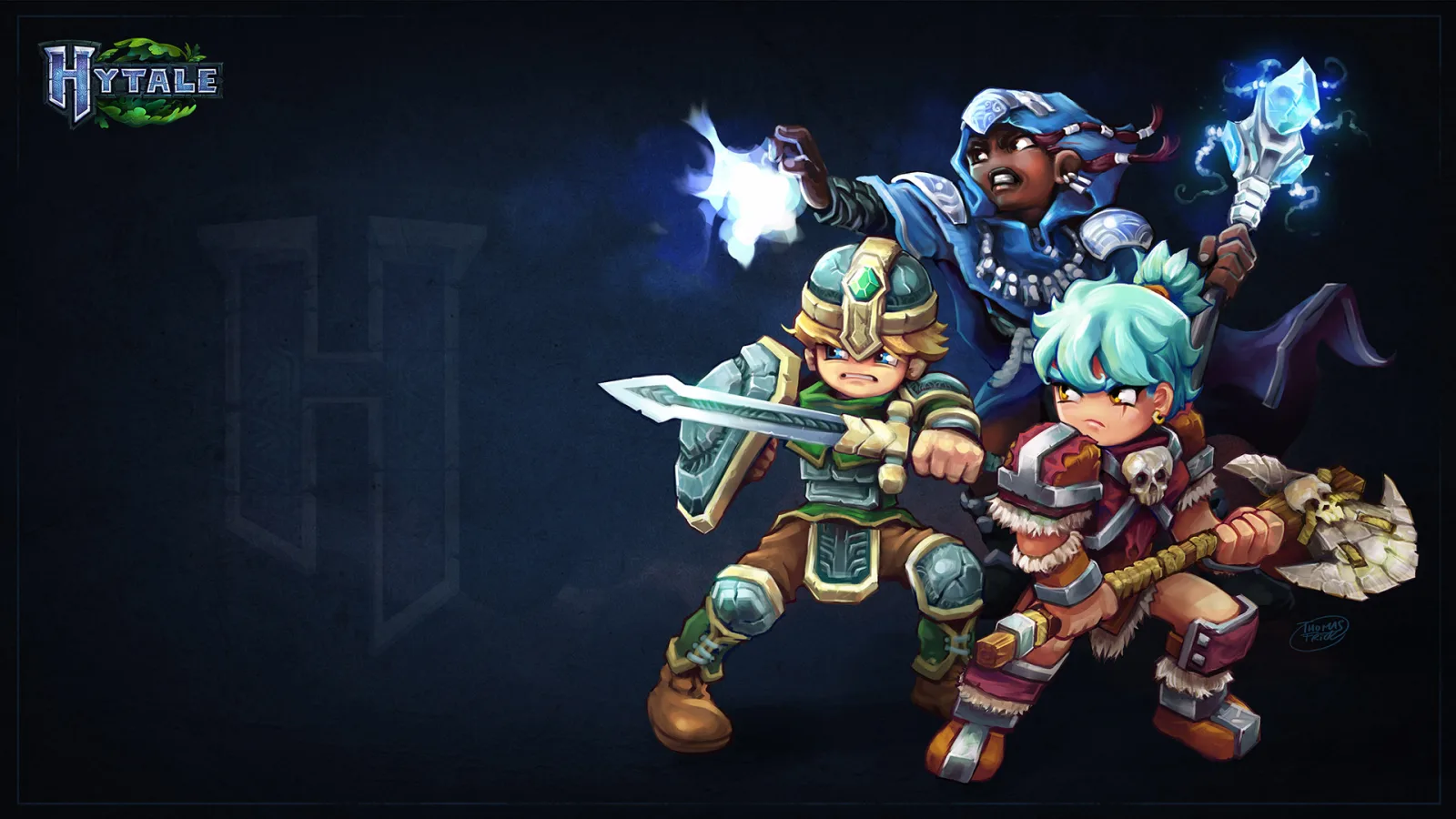
PLAY HYTALE MULTIPLAYER
Hytale mixes a block-building sandbox with an adventure RPG. Explore the zones of Orbis with your group, fight its creatures, raid dungeons and build anything you like, on a world that stays online when you log off.
MODS GO IN THE MODS FOLDER
Hytale servers load mods from their mods folder. Download a mod (a .zip or .jar file) from a source such as CurseForge, upload it to Server/mods with the file manager or SFTP, and restart.
Frequently
Asked
Questions
Questions about running a Hytale server with us. If you need more, head to our knowledgebase.
 View FAQs
 Knowledgebase
Do I need to own Hytale to rent a server?
Why does my new server say Starting?
What happens if my sign-in runs out?
Can I change the view distance and other game settings?
Where do Hytale mods go?
Get your own Hytale server
Spin up your own Hytale server in minutes and run it your way. Powerful hardware, full control, and 24/7 human support behind every plan.
Build your Hytale server