



Project Zomboid Server Hosting
Just launchedUp to 70% off first monthProject Zomboid server hosting for 6 players (6 GB RAM), with plans up to 16 players and Build 42 support, in Europe, North America, South America, Asia or Australia. Set your own survival rules, add Steam Workshop mods from the panel and challenge the undead in a deeply customizable sandbox.
 Instant Server Setup
 One-Click Steam Workshop Mods
 Auto-Updates & File Validation
 Free Daily Backups
 DDoS Protection
 24/7 Live Support
 72hr Money-Back GuaranteeFull SFTP File Access
Choose Your Plan
 BITTEN
 INFECTED
 UNDEAD
Secure and trusted payments






Exclusive Features
- Automatic Updates
- Auto File Validation
- Scheduled Restarts
- Automatic Backups
- Fully Configurable
- Full SFTP Access
- Control Panel
- 99.9% Uptime
- DDoS Protection
- 24/7 Support
- Low Latency
- Server Console
- Instant Setup
Try the panel
This is our real control panel, not a video. Click around your sample server: nothing is saved and nothing is charged.
PLAY PROJECT ZOMBOID MULTIPLAYER
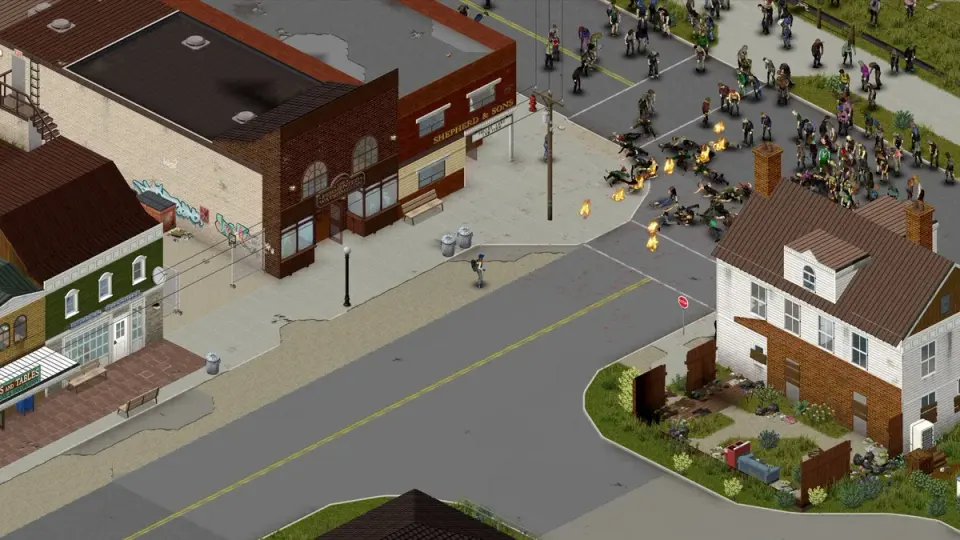
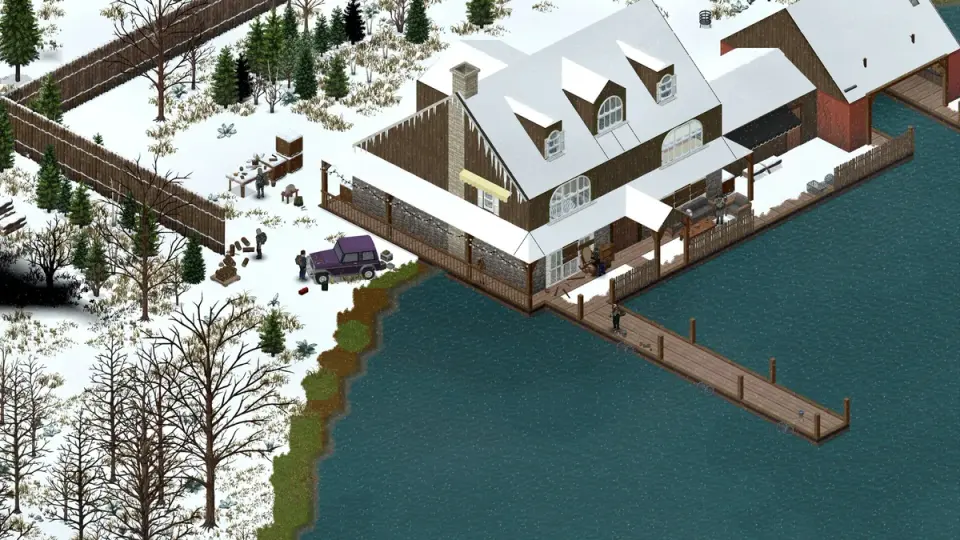
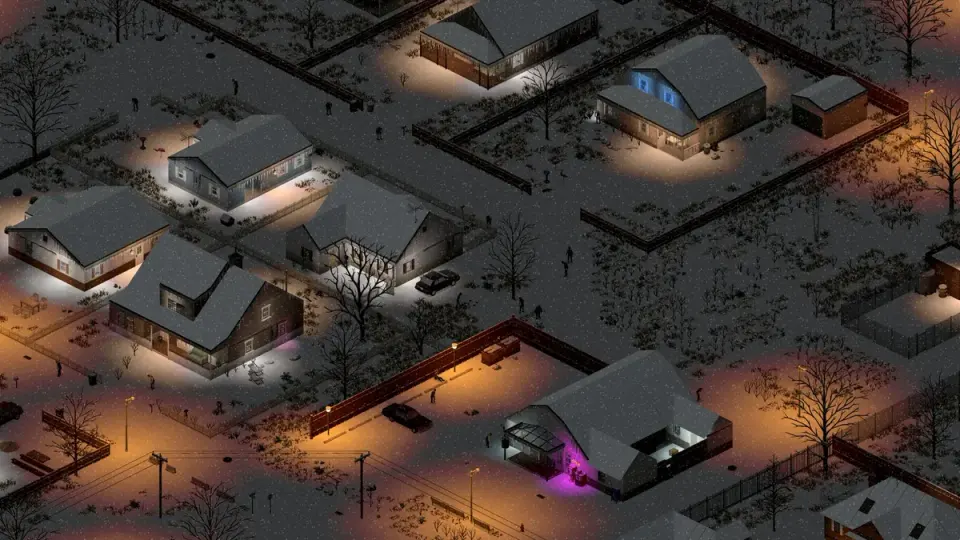
Survive the inevitable end in your own custom Project Zomboid multiplayer server. Craft safehouses, scavenge for supplies, and manage group survival dynamics in a slow-burning zombie apocalypse where every action counts and danger lurks at every turn.
MODS, SANDBOX, POPULATION
Integrate community mods to overhaul survival mechanics, add new vehicles, enable professions, or enhance realism. Our hosting platform supports easy mod management, advanced sandbox settings, and persistent worlds that bring your version of the apocalypse to life.


PROJECT ZOMBOID GUIDES
Step-by-step help for your Project Zomboid server: joining, mods, settings, backups and fixes.

 All Project Zomboid guides
Frequently
Asked
Questions
Here are some Project Zomboid specific FAQs. If you need even more, head to our knowledgebase.
 View FAQs
Can my friends join without port forwarding?
How do I set up a Project Zomboid server with PlayNHost?
Can I use mods and custom maps?
Can you help if I’m new to Zomboid hosting?
What server locations are available?
Can I get a refund if I don’t like it?
How much does a Project Zomboid server cost at PlayNHost?
What do you get with a Project Zomboid server at PlayNHost?
Get your own Project Zomboid server
Spin up your own Project Zomboid server in minutes and run it your way. Powerful hardware, full control, and 24/7 support behind every plan.
Build your Project Zomboid server