

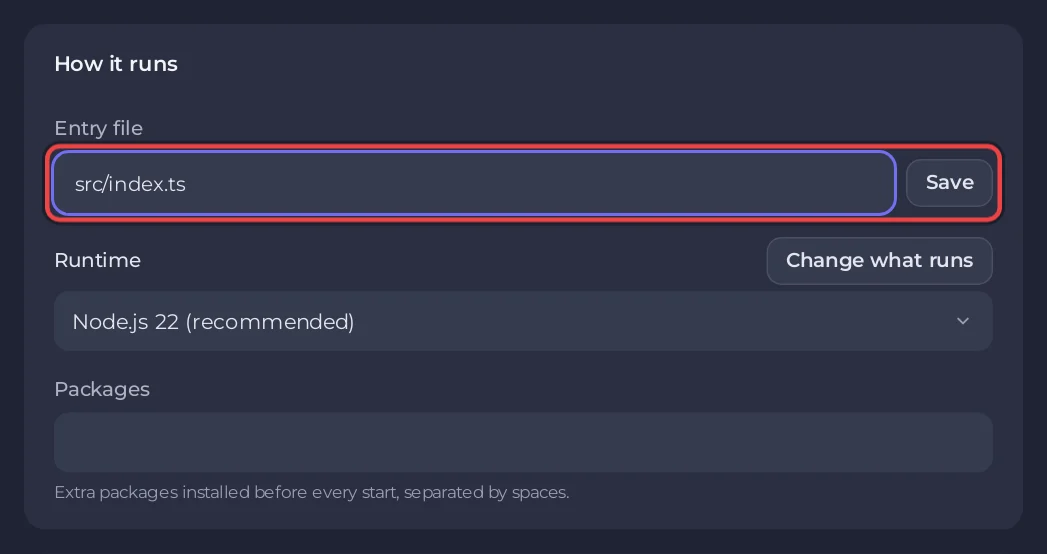
On a Node.js Bot server, set the Entry file to your .ts file and start: the server runs it with tsx, so there is no build step. You can also compile to JavaScript yourself, or pick the Bun Bot or Deno Bot type, which run TypeScript natively.
Option 1: run the .ts file directly (Node.js Bot)
- In Files, upload your
srcfolder,package.jsonandtsconfig.json. Leave outnode_modulesanddist. To upload folders, zip them, upload the zip, tick it and click Unzip. - Open the Bot page, pane Code, and set Entry file to your start file, for example
src/index.ts. Click Save. - Paste your token on the Discord pane and press Start.
An entry file ending in .ts or .mts is started with tsx, which is already on the server: you do not need it in package.json. Every package your code imports must be there, because npm install runs from package.json, at the first start and whenever the file changes.
tsx does not check types. Your bot starts even with type errors; run npx tsc --noEmit on your computer to see them.
A minimal TypeScript bot
src/index.ts
import { Client, Events, GatewayIntentBits } from 'discord.js';

const client = new Client({ intents: [GatewayIntentBits.Guilds] });

client.once(Events.ClientReady, (c) => {
  console.log(`Logged in as ${c.user.tag}`);
});

client.login(process.env.DISCORD_TOKEN);
package.json needs "discord.js": "^14" under dependencies.
Option 2: compile first, run the JavaScript
- On your computer run
npx tsc. Your compiled files land in theoutDiroftsconfig.json, for exampledist. - Upload
distandpackage.json. - Set Entry file to
dist/index.js.
This starts a little faster. Rebuild and upload again after each change.
Option 3: Bun or Deno
The Bun Bot type runs index.ts as is and installs package.json with Bun. The Deno Bot type runs main.ts and loads npm packages with npm: imports. Same plan, you only change the type: How to host a Bun Discord bot, How to host a Deno Discord bot.
Common problems
Cannot find moduleorERR_MODULE_NOT_FOUNDfor a package: add it topackage.jsonor to Packages on the Code pane, then restart. The panel shows A package your code needs is missing with Open Packages.ERR_MODULE_NOT_FOUNDfor one of your own files in compiled JavaScript with"type": "module": Node needs the extension in relative imports. Writeimport { x } from './util.js'in your TypeScript, even though the source file isutil.ts.SyntaxError: Cannot use import statement outside a modulewhen running compiled files: your output usesimportbutpackage.jsonhas no"type": "module". Add it, or compile to CommonJS.- Entry file ends in
.cts: rename it to.ts, or compile it first. Only.tsand.mtsare started withtsx.
Related: How to host a Node.js Discord bot, How to make a Discord bot with discord.js.


