

To start a new open.mp server on PlayNHost, open it in the panel and click Start. open.mp is ready for players when the Console prints Legacy Network started on port followed by your server's port, and the badge changes to Online. The first start usually takes a few minutes; later starts are quicker.
Start it
- Open your server in the panel. The badge near the name says Offline.
- Click Start. The badge changes to Starting.
- Click Console in the left menu to watch the server start.
- Wait for the line
Legacy Network started on portwith your port number. The badge now says Online.
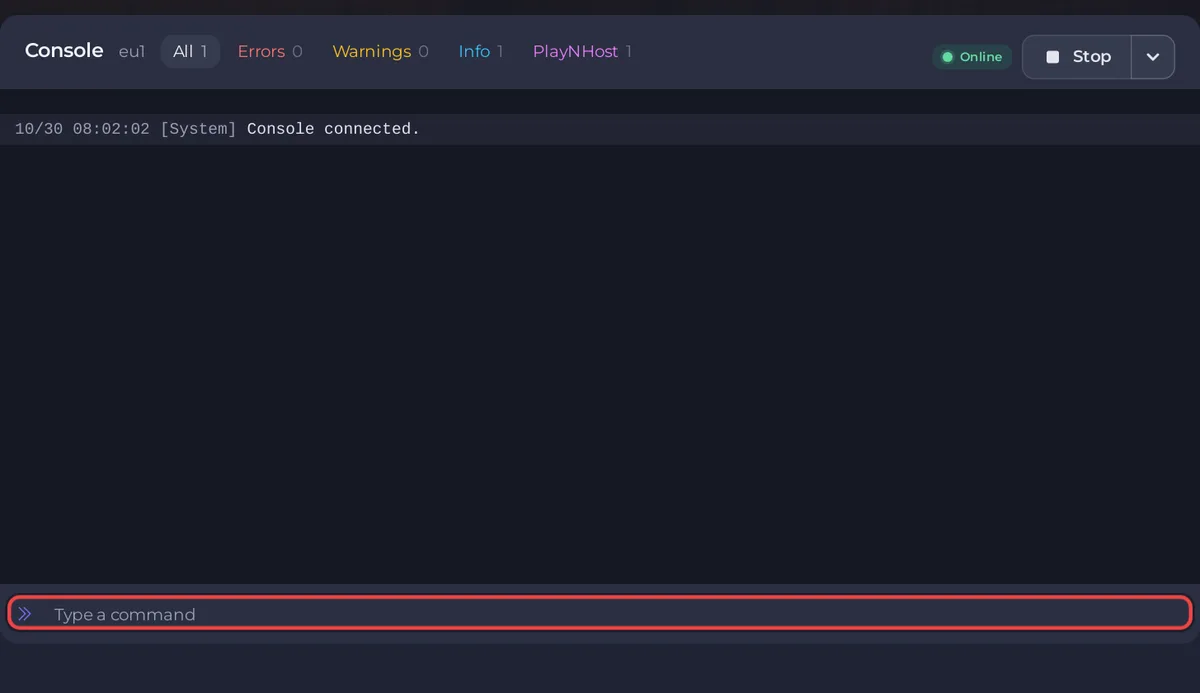
The first lines list the components open.mp loads, such as Loading component Pawn.so, then the gamemode prints its own start lines. Gun Game is the gamemode a new server starts with.
What does a new open.mp server have?
PlayNHost installs the latest open.mp release straight from the open.mp project's GitHub releases when the server is created. A new server has:
- Three gamemodes in the
gamemodesfolder:gungame(Gun Game, the one that runs),derby(Neverending Derby) andsimpletdm(Simple TDM). See How to change the gamemode on your open.mp server. - The server name
open.mp server. Change it before you invite people: How to change your open.mp server name, password and player slots. - No join password, so anyone with the address can join.
- Player slots: the number your plan includes, shown on the Slots row of the server card on Overview.
- Its own random RCON Password, the admin password, under Settings, Game Settings. Keep it private: whoever has it can kick, ban and stop the server. See How to become admin on your open.mp server.
- A nightly backup: the Automatic backup schedule, when your plan has backup slots. See How to back up and restore your open.mp server.
You never set the port yourself. Before every start the panel writes your server's own port into config.json, together with the RCON Password and the player limit.
What should I do first?
- Change the RCON Password under Settings, Game Settings, then restart.
- Join your server with GTA: San Andreas and the open.mp launcher.
- Set the server name and a join password if you want one.
- Invite your friends.
What if it never says Online?
Read the last lines in the Console: open.mp prints why it stopped. If it says Online but nobody can connect, compare the port in the Legacy Network started on port line with the port in your Server Address: they must match. See open.mp server problems and fixes and the general guide How to fix a server that will not start.


