

 MINECRAFT HOSTING
 GAME SERVERS
 Game Panel
Everything you do with PlayNHost happens in one place, the panel at panel.playnhost.com. You order servers there, pay there, manage them there and open support tickets there. One account covers all of it, and creating it is free. No card is needed until you order a server.
Create your account
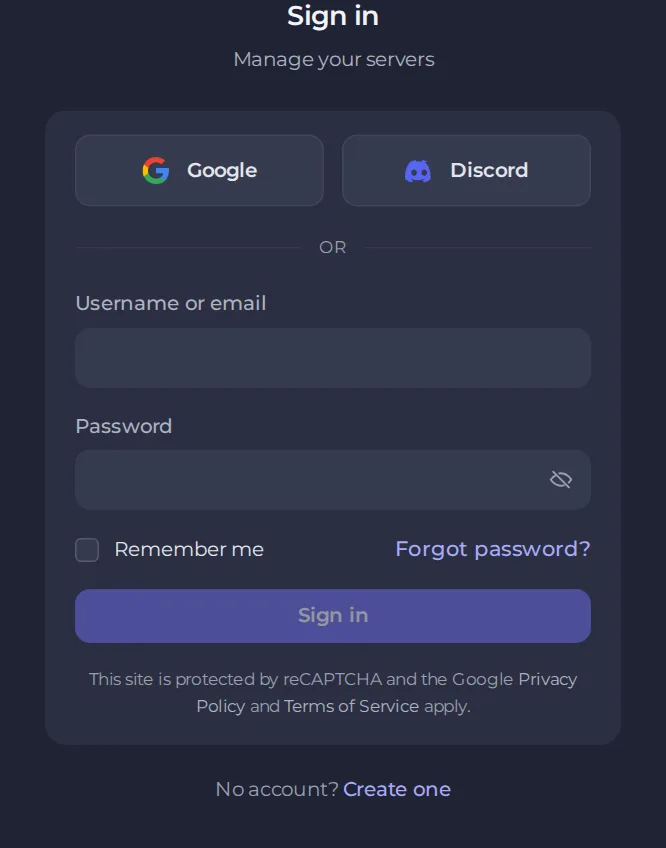
- Open panel.playnhost.com and click Create one under the sign-in form. You can also go straight to the registration page.
- Choose how to sign up. Google and Discord create the account in one click. To use email instead, fill in your first name, last name, email and a password, then type the password again. The password needs at least 8 characters, with upper and lower case letters and a number.
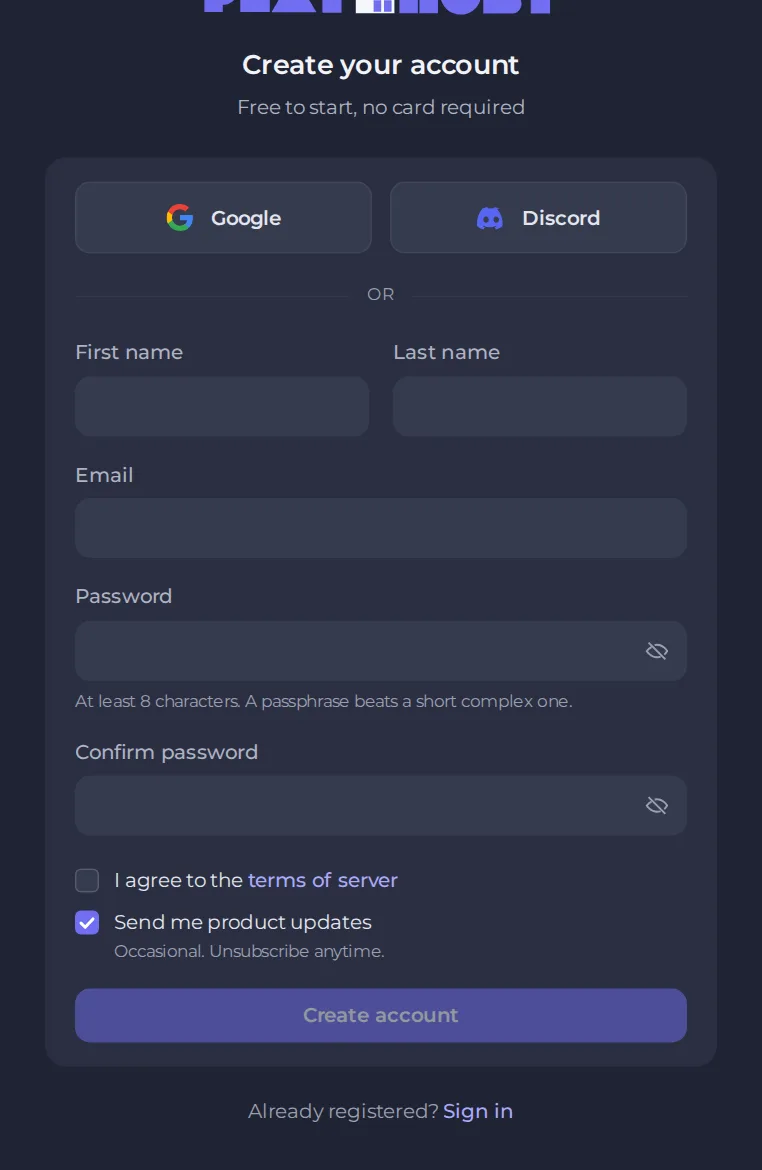
- Tick I agree to the terms of server. The Send me product updates box is optional. You can change product emails later under Account, then Notifications.
- Click Create account.
- Open the verification email we send you and click the link. The page you are on continues by itself once you have confirmed. You cannot sign in with your password until your address is confirmed. The link works for 24 hours. If it has expired or has not arrived, use Resend email on the waiting page. Accounts created with Google or Discord are confirmed already.
Use an email address you can always read. Password resets, invoices and support replies are sent there.
Sign in later
- Go to panel.playnhost.com.
- Enter your username or email and your password, or use the Google or Discord button you signed up with.
- Tick Remember me on a device only you use.
- Click Sign in.
If you cannot sign in
- Forgotten password. Click Forgot password? under the form and follow the email we send. Check your spam folder if it does not arrive.
- Wrong sign-in method. If you created the account with Google or Discord, use that same button. See How to reset your password or get back into your account.
- Lost your two-factor device. Follow the steps in How to set up two-factor authentication.
What to do next
Order your first server with How to order your first game server. To add protection to your account right away, read How to change your password and secure your account.





