

When you order, you choose the region your server is created for: Europe, North America, South America, Asia or Australia (shown as Oceania in the order steps). The further away your players are, the more ping they will see, so pick the region closest to most of them.
See where your server runs
- Open your server in the panel.
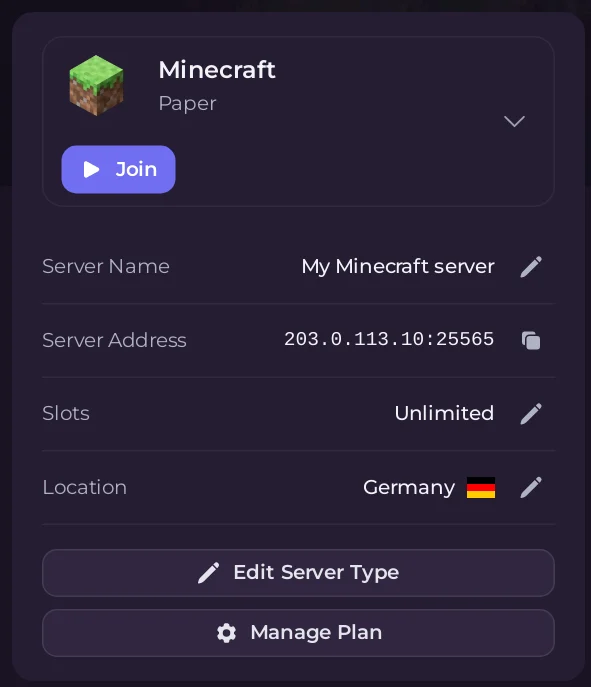
- On the Overview page, look at the Location row. It shows the country your server runs in, with its flag. The Location card on the My plan page shows the same, with Your ping to it and the server's address.
Moving to another region
To move a server you already have to another region, open a ticket and our 24/7 support team will arrange it with you. See How to open a support ticket. A move works like this:
- the server is copied to the new region
- it is offline while the move runs
- its address changes when the move is done, so players need the new address
Take a backup before any move. See How to create, download and restore backups.
DDoS protection
Servers are protected against denial-of-service attacks. The protection is included with every plan and works without any setup.
Good to know
- You do not need to forward ports. Your address is public once the server is running. See How to join your server.
- Ping depends on your own internet connection as well as distance. A wired connection is steadier than Wi-Fi.


