

To update a Sven Co-op server on PlayNHost, restart it. Every start checks Steam for a newer Sven Co-op build and installs it before the game loads, so there is no update button to press. After a game update, restart the server so players on the new version can join.
Update it after a game update
- Open your server in the panel.
- Click Restart. The badge goes to Starting.
- Open the Console tab and watch the server start. If Steam has a new build, it is downloaded first, then the game loads.
- Wait for
Connection to Steam servers successful.and the Online badge. The server now runs the newest public build.
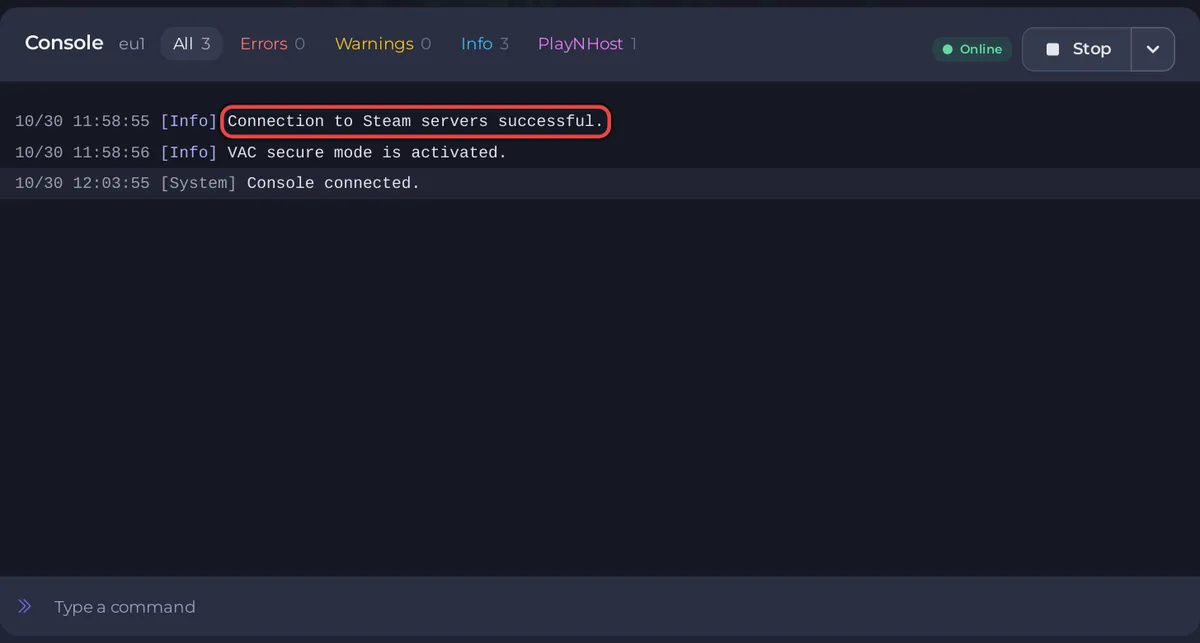
A start with a new build takes longer than usual, because the update downloads first. A start without one only checks.
How do I know an update came out?
The Sven Co-op team posts each release on the game's Steam news page. Updates are rare: release 5.26 came out on 7 December 2024, and the team posted a progress update on 5.27 on 18 February 2025. The panel does not show an update notice for Sven Co-op.
What do players see when the versions differ?
A player whose game is on another version than your server sees Your .dll [cl_dlls/client.dll] differs from the server's. The Sven Co-op FAQ says this "means that your game is different to the game running on the server you've just tried to connect to". Restart the server, and ask the player to restart Steam so their game finishes updating. See Players cannot join your Sven Co-op server.
Can my server run the release candidate?
No. Your server always installs the normal public version of Sven Co-op, and there is no setting to pick another Steam branch. Players who opted into a test version of the game in Steam must switch back to the normal version to join.
Will an update delete my maps or settings?
The Sven Co-op wiki keeps custom content, such as your custom maps, in svencoop_addon, apart from the official files in svencoop. Take a backup before you restart onto a new release, so you can put back any file you changed: How to back up and restore your Sven Co-op server.
To update on a timer, restart on a schedule: How to restart your Sven Co-op server on a schedule.


