

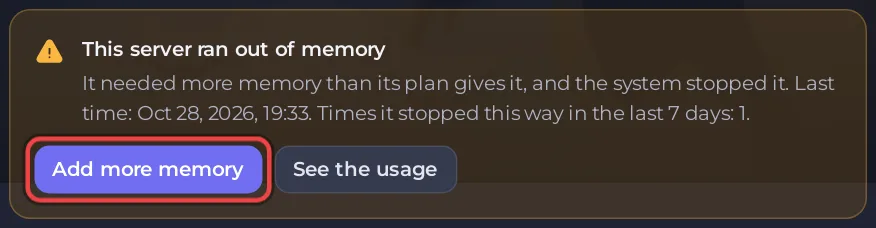
The card This server ran out of memory on a Palworld server's Overview page means the server needed more memory than its plan gives it, and the system stopped it. With Palworld, memory use grows the longer the server runs, so the first fix is more frequent restarts: add Restart every 6 hours and apply the Lighter server preset.
The card says: "It needed more memory than its plan gives it, and the system stopped it." with the last time and how many times it happened recently.
What was lost
The system stops the server at once, with no save. The world is as it was at the last autosave, every 30 seconds by default. If the world looks wrong after the next start, roll it back: How to roll back your Palworld world to a snapshot.
Keep it from happening again
- Restart more often. On Quick Tasks, add Restart every 6 hours from Ready-made for Palworld and switch it on: How to restart your Palworld server with warnings.
- Lower the load. Apply Lighter server on Gameplay Settings, and bring back down any of Pal spawn rate, Pals working per base or Bases per guild you raised: How to make your Palworld server run smoother.
- Watch the Usage card on the Overview page on a busy evening to see how close it gets.
How much Palworld needs
Pocketpair's requirements page lists 16 GB for a dedicated server, adds "Recommended for larger than 32GB", and warns that 8 GB raises the chance of out-of-memory crashes: How much RAM does a Palworld server need?. The card also has an Add more memory button. Try the steps above first and watch the Usage card before you decide anything.


