

When a co-op Palworld world moves to a dedicated server, the player who hosted it starts a new character, while everyone else keeps theirs. In co-op the host plays under a fixed local ID; on a dedicated server they get a new one, so the server does not find the old character, which stays in the world files.
The Worlds page says the same under Import a world: "In a co-op world, the host plays under a fixed local ID. On a dedicated server they get a new one, so the host starts a new character while everyone else keeps theirs."
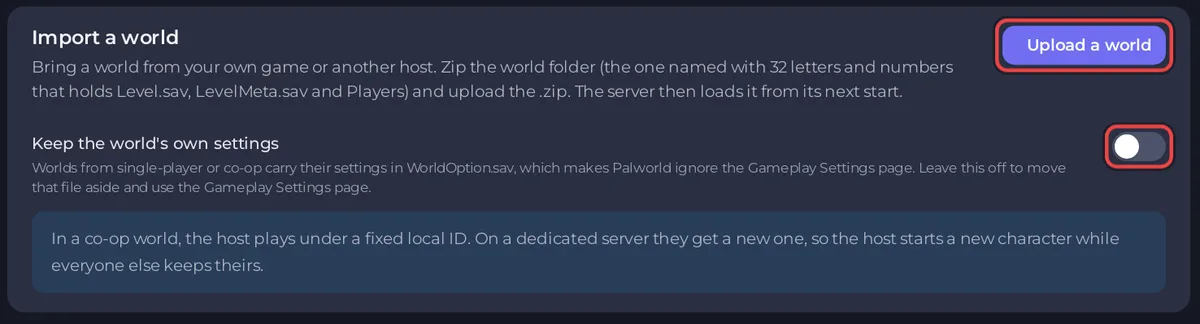
Who is affected
- Only the player who hosted the co-op game. Friends who joined that game keep their characters, levels and Pals.
- Only worlds made in co-op or single-player. A world from another dedicated server keeps every character.
What you can do
- Start again on the server. The host makes a new character. Guildmates can share items and Pals in the game.
- Keep the old world safe. Download a backup of the server after the import, and keep the original co-op save on the host's PC: How to download your Palworld world.
- Ask us. The panel does not move a character from one ID to another. Open a ticket if the host's progress matters to you, and say which world it is.
Can the host's character files be moved by hand?
- Each character is a file in the world's
Playersfolder. Do not rename or delete these files by hand: a mistake can cost a player their character. - The import also moves the world's
WorldOption.savaside unless you keep it, so Gameplay Settings apply: How to upload your own Palworld world.


