

A PlayNHost Core Keeper server installs game updates when it starts. After a Core Keeper update, players' games are already new while a server that has kept running is still on the old build, so they cannot join. Restart the server with Auto Update on so it installs the update.
How do I fix it?
- Open your server in the panel.
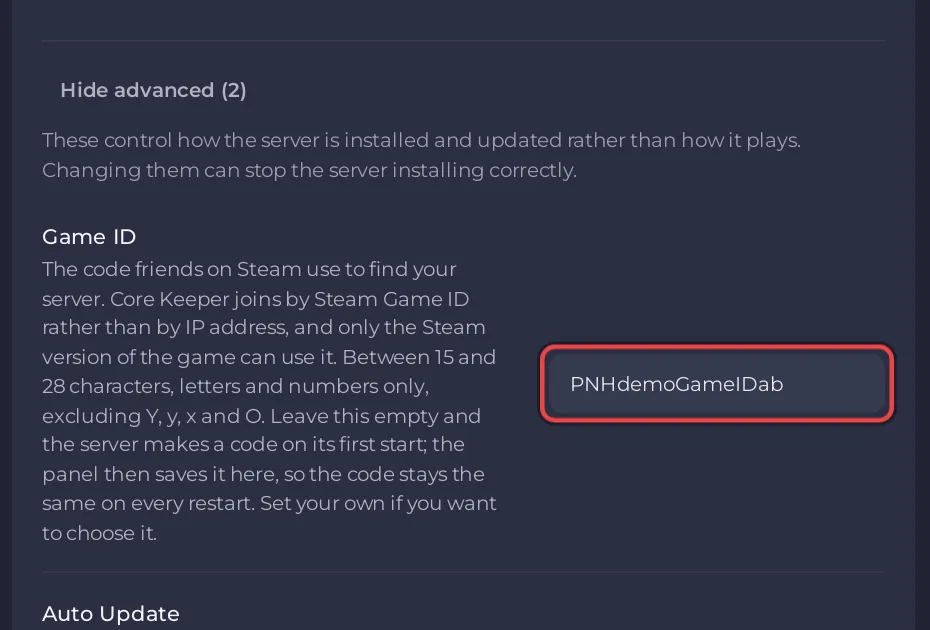
- Check Auto Update is on: Settings tab, Game Settings, Show advanced (2).
- Click Restart.
- Wait for
Started sessionin the Console and the Online badge. A start that downloads an update takes longer than usual. - Ask your players to join again with the same Game ID.
What if players still cannot join?
- Mods. An update can break mods until their authors update them. Remove the newest mods and restart: How to update or remove mods on your Core Keeper server.
- A player's own game may not have updated yet. Ask them to restart their game or Steam.
- Other checks: Friends cannot join your Core Keeper server.
What if Auto Update is off?
With Auto Update off, the server skips the update check at every start and stays on the build it has, so players with an updated game cannot join until you switch it back on and restart. Switch it off only for a short time, for example while a mod catches up with a new game version.
How do I avoid this next time?
A daily restart at a quiet time keeps the server current: How to restart your Core Keeper server on a schedule.
More on updates: How to update your Core Keeper server.


