

 MINECRAFT HOSTING
 GAME SERVERS
 Game Panel
You decide how much the panel tells you. Open Account in the top menu of the panel, then use the left menu.
Notifications
Click Notifications under You. The table lists each kind of message, with one switch for the Panel and one for Email.
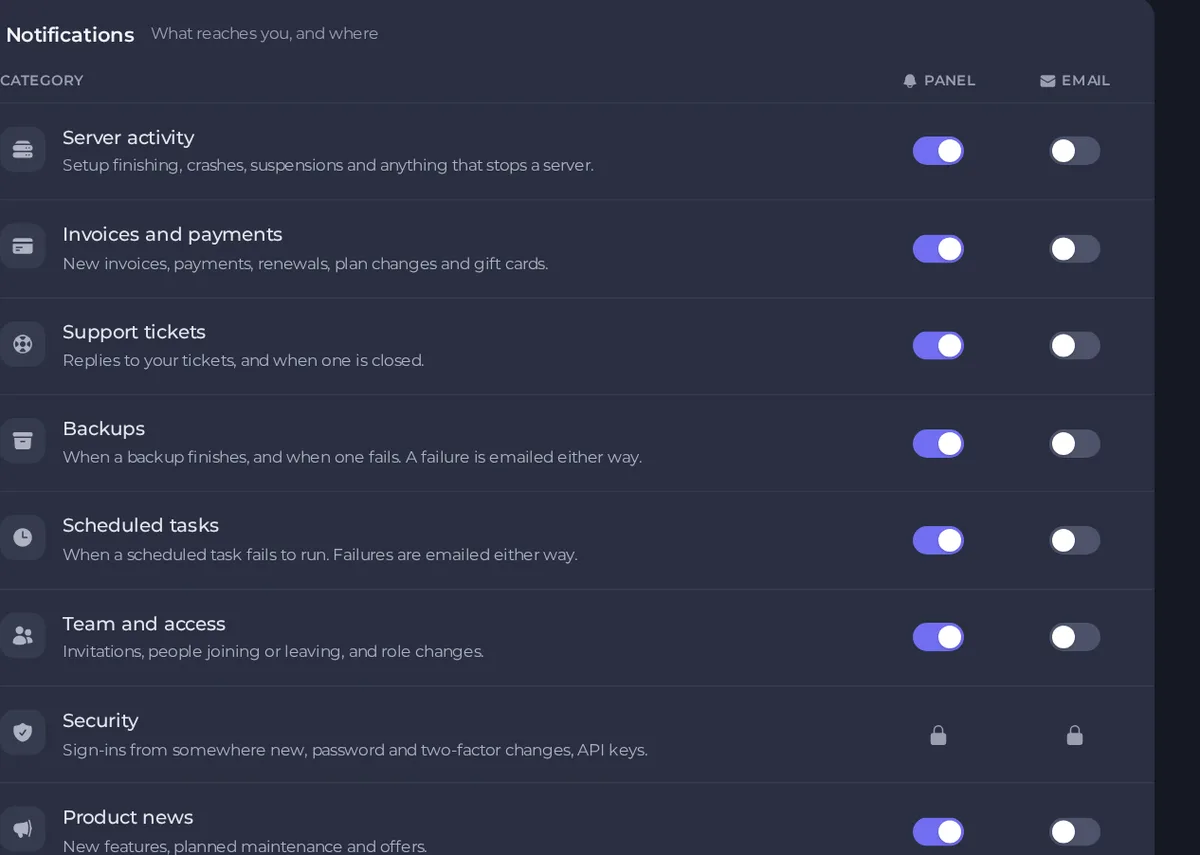
| Category | What it covers |
|---|---|
| Server activity | Setup finishing, crashes, suspensions and anything that stops a server. |
| Invoices and payments | New invoices, payments, renewals, plan changes and gift cards. |
| Support tickets | Replies to your tickets, and when one is closed. |
| Backups | When a backup finishes, and when one fails. A failure is emailed either way. |
| Scheduled tasks | When a scheduled task fails to run. Failures are emailed either way. |
| Team and access | Invitations, people joining or leaving, and role changes. |
| Security | Sign-ins from somewhere new, password and two-factor changes, API keys. |
| Product news | New features, planned maintenance and offers. |
Security alerts, in the panel and by email, are always on and cannot be switched off.
Messages that are always sent
- Account recovery, such as password resets and email verification. Turning these off is how an account gets lost.
- Invoices and receipts. The invoice itself and its receipt come from billing rather than the panel, so the panel cannot hold them back. What you switch off above is the panel telling you about them.
Preferences
Click Preferences under You.
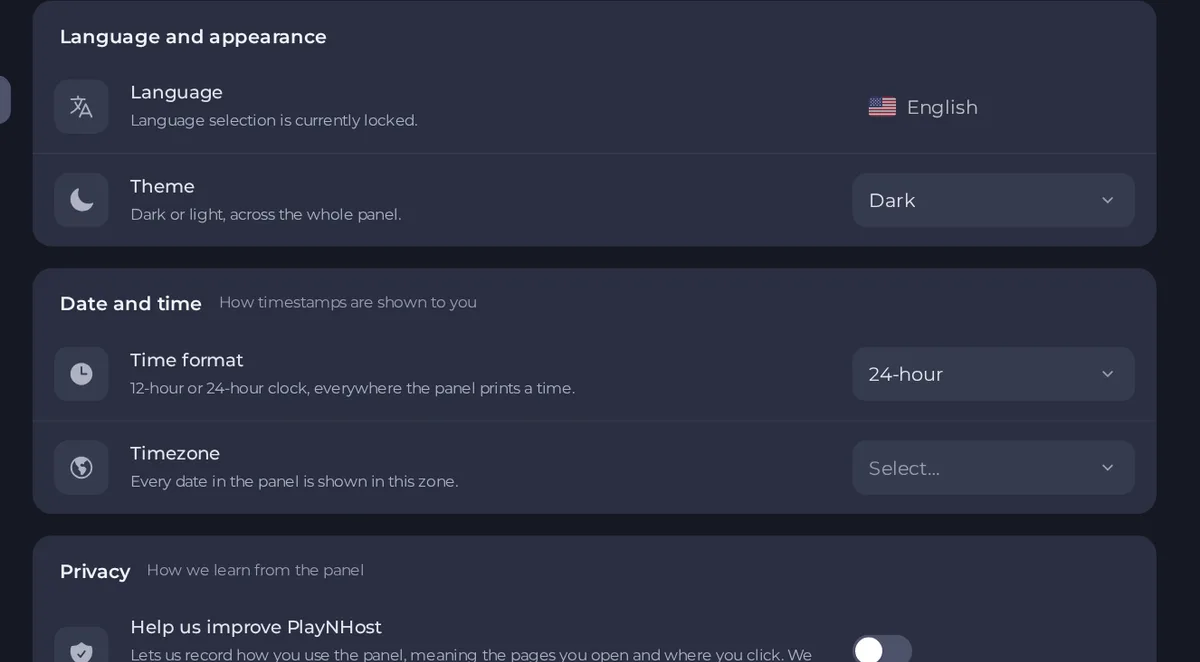
- Language: the panel is in English. Language selection is currently locked.
- Theme: dark or light, across the whole panel.
- Time format: a 12-hour or 24-hour clock, everywhere the panel prints a time. This one is saved to your account.
- Timezone: choose from a list of common time zones. It changes how timestamps are shown in the browser you are using, and is remembered in that browser only, so set it again on another device. Schedules run on the panel's own clock, and the schedule window shows you the local equivalent.
- Help us improve PlayNHost: (shown only if it applies to your account) lets us record how you use the panel, meaning the pages you open and where you click. We never record what you type, and the text on the page is hidden. Turn it off any time.
Email history
Click Email history under Billing to see the most recent billing emails we have sent you, with the date and the address they went to. It is useful when an invoice or a reset email seems missing.

Good to know
- To receive invoices at a different address, open a ticket. See How to update your billing details.





