

To set a password on a Vintage Story server hosted on PlayNHost, open Settings, click serverconfig.json under Config files, type the password in Join password and click Save & restart. From then on, players type it in the password field when they add the server under Multiplayer. A new server has no password.
How do I set the join password?
- Open your server in the panel and click the Settings tab.
- Under Config files on the left, click serverconfig.json. If you see No config files yet, start the server once and come back.
- Type the password in Join password. Use letters and digits without spaces: Vintage Story does not allow spaces in a server password (server commands).
- Click Save & restart. When the server is Online again, the password is needed to join.
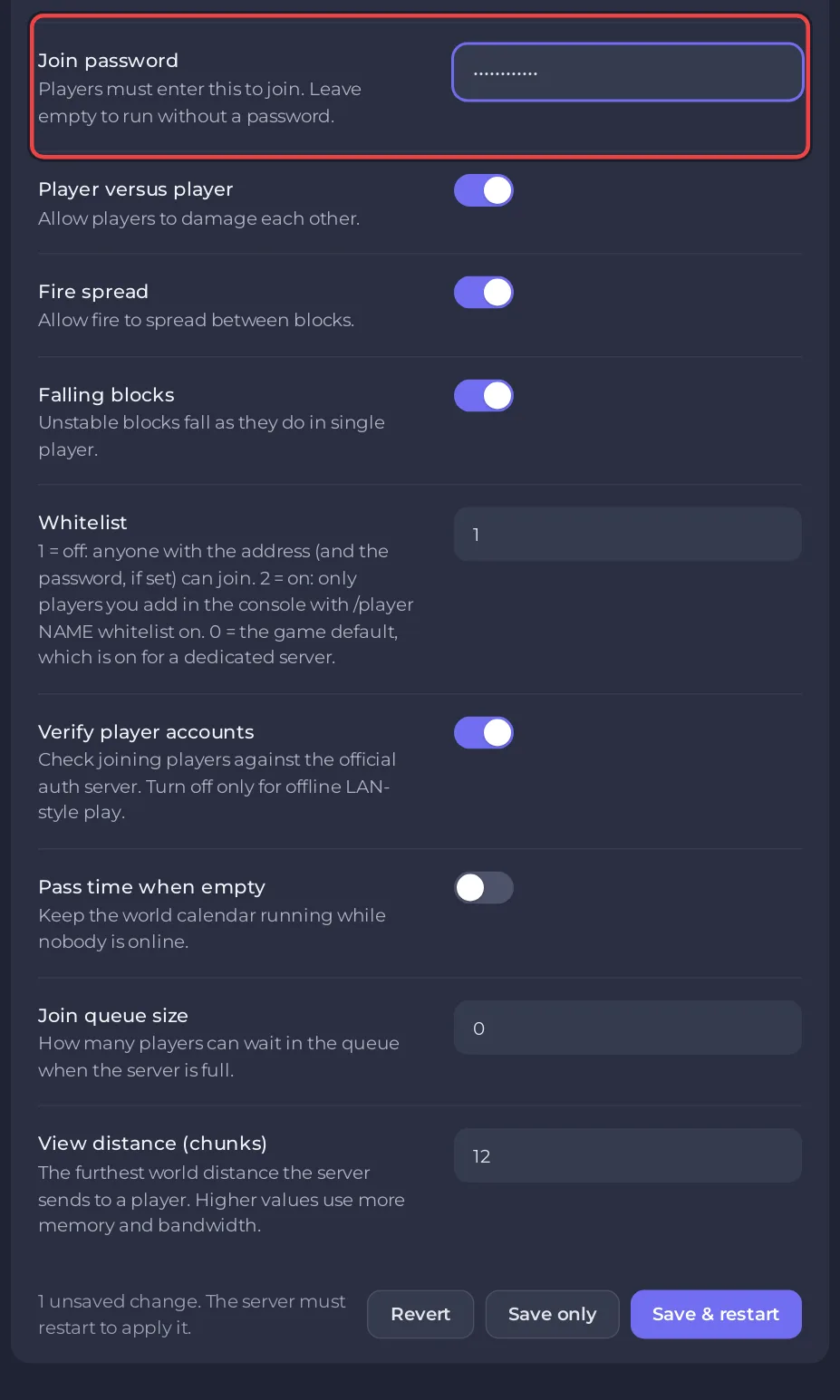
The field shows dots instead of the password, so nobody looking at your screen can read it.
Can I set it from the Console instead?
Yes. With the server Online, type this in the Console box and press Enter:
/serverconfig password YourPasswordReplace YourPassword with your own. The Console runs commands with full admin rights, so this works before anyone is admin in the game.
How do players use the password?
Each player types it in the password field when they click Add new server under Multiplayer. A player who added the server before you set the password clicks the pencil next to the server's name in that list, types the password and saves, as the official dedicated server guide describes. See How to join your Vintage Story server.
How do I remove the password?
With the server Online, type this in the Console box and press Enter:
/serverconfig nopasswordThe official command list describes it as removing the password protection. Anyone with the address can then join, unless the whitelist is on.
Password or whitelist: which should I use?
A password is quick: share one word with your friends. The whitelist is stricter: only the player names you add get in, even if the address and password leak. You can use both. See How to invite friends to your Vintage Story server.


