

No, not by default. A PlayNHost Satisfactory server has Pause When Empty switched on, so the game pauses the factory while nobody is connected and carries on the moment the first player joins. Nothing runs out or breaks while you are away. You can switch the setting off in Settings, Game Settings.
See whether the factory is paused
- Open your server in the panel and click Worlds in the left menu. The server must be running.
- Look at the Status row of the Running now card.
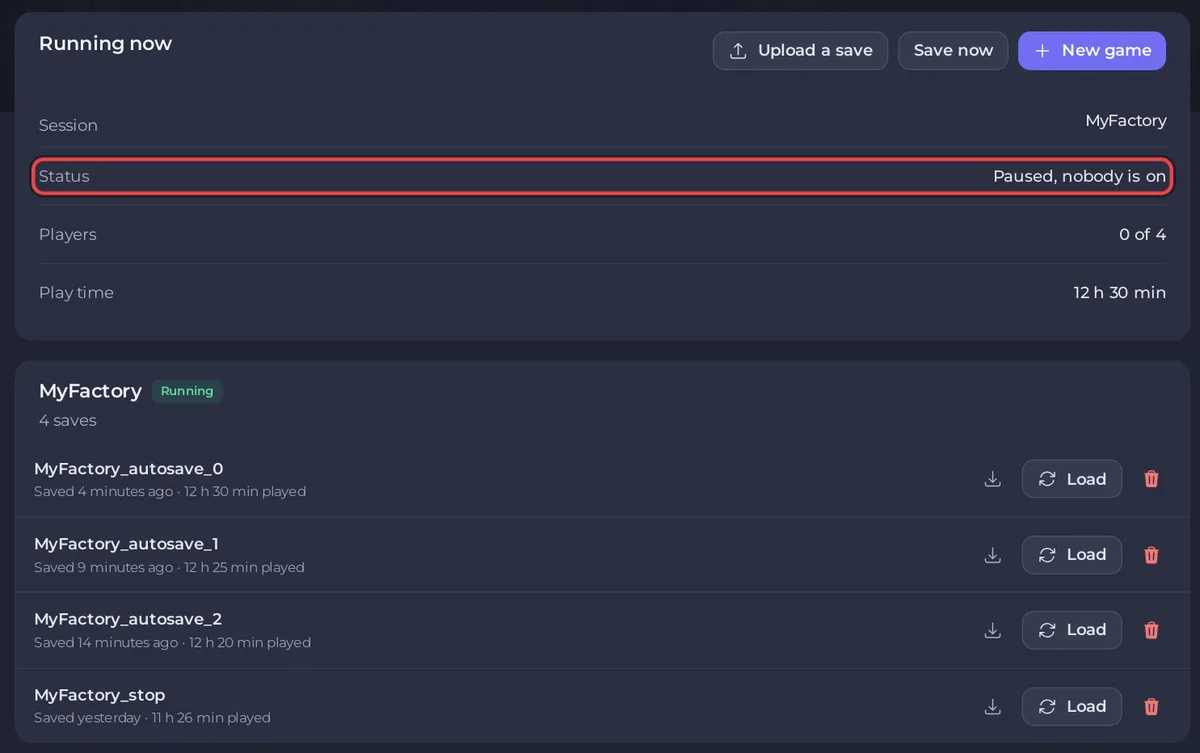
- Paused, nobody is on: the game is paused because nobody is connected.
- Running: the factory is running.
- Waiting for a game: no world is loaded yet.
Change Pause When Empty
- Click the Settings tab and open Game Settings.
- Flip Pause When Empty. The switch saves at once.
- Restart the server. The Console says
[PlayNHost] Auto-pause, autosave and save-on-leave applied.
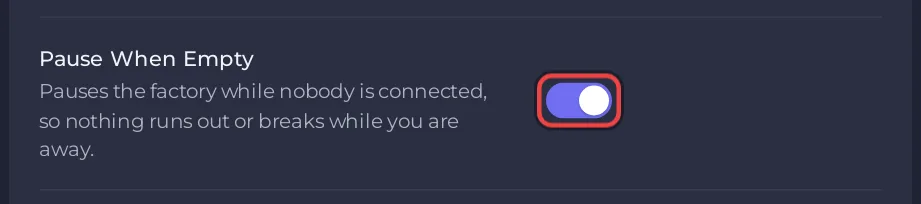
With the switch off, the game no longer pauses when the last player leaves. The same option exists in the game's Server Manager, where the official wiki calls it Auto Pause: "When the Server should automatically be paused when no players are connected." A change you make there stays until you change Pause When Empty, Autosave Every (Minutes) or Save When Players Leave in the panel, because the panel sends those three together.
Which should you choose?
- Leave it on if your group plays together. The factory is exactly where you left it, power and fuel included.
- Switch it off only if you understand that whatever runs without you also consumes without you: generators burn fuel, and anything that breaks keeps breaking until someone logs in.
Your progress is safe either way: Save When Players Leave saves the game when a player disconnects, and Stop and Restart in the panel save it first. See How to change autosave settings on your Satisfactory server.


