

A Quake Live dedicated server needs very little RAM. PlayNHost measured about 41 MB on a freshly started server left with nobody connected for 2 minutes (14 Sep 2026), and about 52 MB, flat, in a start test that held the server for 90 seconds. The server runs Quake Live's own Linux build, with no Windows layer in between.
What did PlayNHost measure?
| Test | Memory used |
|---|---|
| Fresh start, nobody connected for 2 minutes | about 41 MB, no growth |
| Start test, held for 90 seconds | about 52 MB, flat |
Both tests ran on PlayNHost servers with Quake Live's dedicated server from Steam (app 349090), started the way the panel starts every Quake Live server. The start test reached Online in about 11 seconds.
These numbers were taken with nobody playing. Check your own server during a full match: the panel shows what it uses.
How do I see my server's memory use?
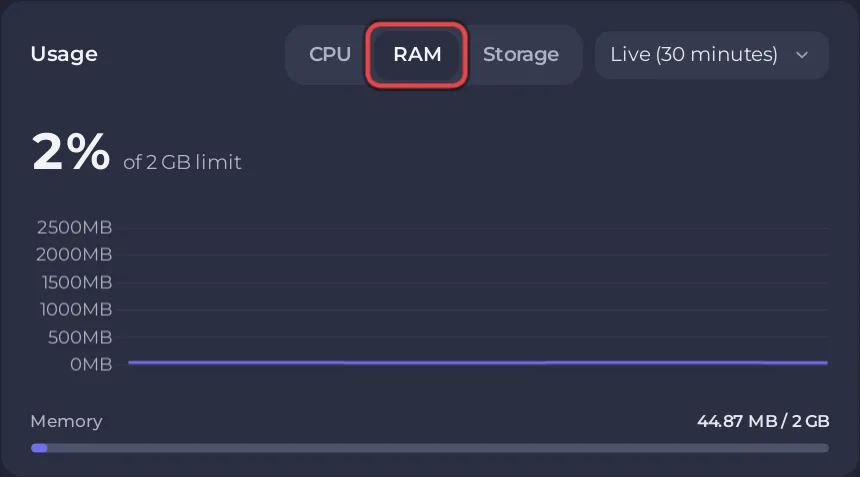
- Open your server in the panel. The Overview page has a Usage card.
- Pick RAM, and Live (30 minutes), Past 6 hours or Past day.
- Look at the line during a full match to see your real peak.
How to read the graphs: How to read your server's usage graphs.
Is the 1 GB on the Steam page for the server?
No. The Quake Live Steam page lists 1 GB RAM as the minimum for players' Windows PCs that run the game. The dedicated server is a separate program and uses far less.
What else affects performance?
- Player count. The Max Players limit comes with your plan: How many players can a Quake Live server have?
- FPS. The panel shows FPS as
40, a Read only setting. Quake Live itself locks the server frame rate (sv_fps): the notes of Quake Live update 1066, 17 Dec 2015, say it "should be locked for real now". So no setting can raise or lower it. - Workshop items. Each item is downloaded at the start, so a long list makes starts longer: How to add Steam Workshop items to your Quake Live server.


