

To send a message to everyone on a Necesse server on PlayNHost, type say followed by your message in the Console, for example say Restarting in 5 minutes. Necesse posts it in chat as the server. To send the same message on a timer, use Announce to Players under Quick Tasks.
Send it now
- Open your server in the panel and click the Console tab. The badge must say Online.
- Type
sayand your message, for examplesay Server restart at 20:00, and press Enter.
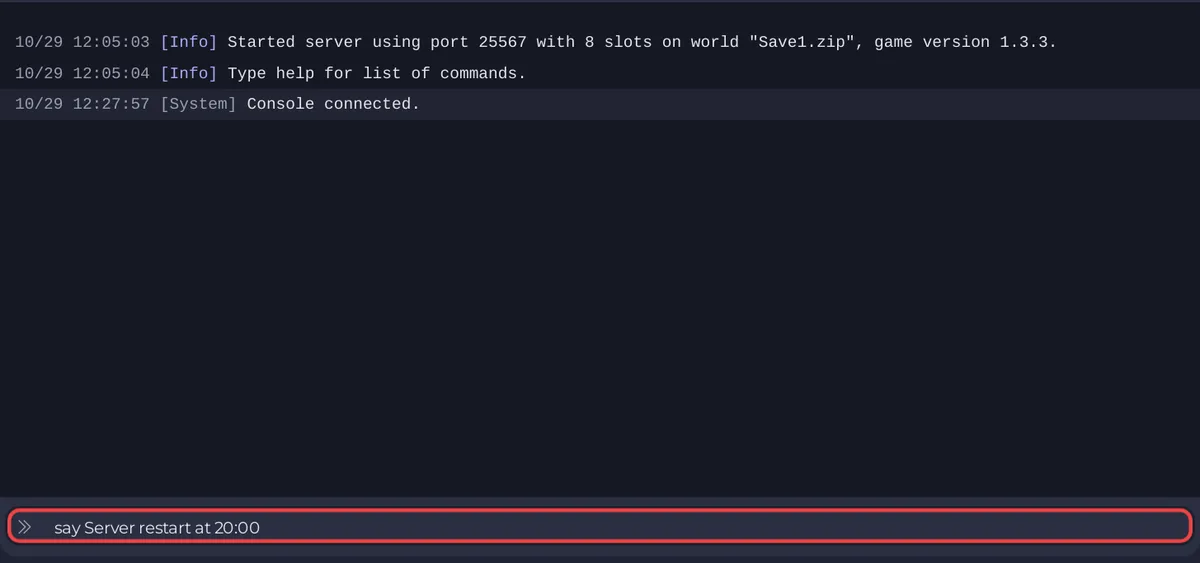
say "Talks in the chat as Server", according to the official Necesse wiki. In the game, a Moderator can type /say too.
Send it with Quick Tasks
- Click Quick Tasks in the left menu.
- Find Announce to Players under All tasks ("Shows a message to everyone on the server.").
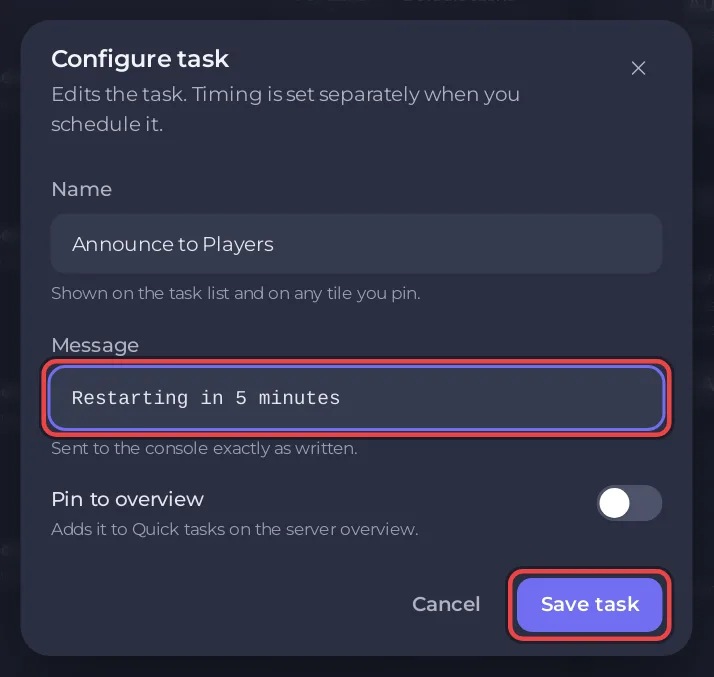
- Click Run. Configure task opens and asks for a Message.
- Type the message and click Save task. This saves your version under the Your tasks filter; it sends nothing yet.
- Click the Your tasks filter, then Run on your Announce to Players. Necesse posts the message.
Run under Default tasks always runs the task as it ships, so it asks for the message again.
Send it on a timer
In the task's menu, choose Schedule…. The Schedule task window asks for the Message under Arguments, then the time under Time: Once or Repeats. A restart warning a few minutes before a scheduled restart is the usual use: How to restart your Necesse server on a schedule.
The whole page: How to use Quick Tasks on your Necesse server.


