

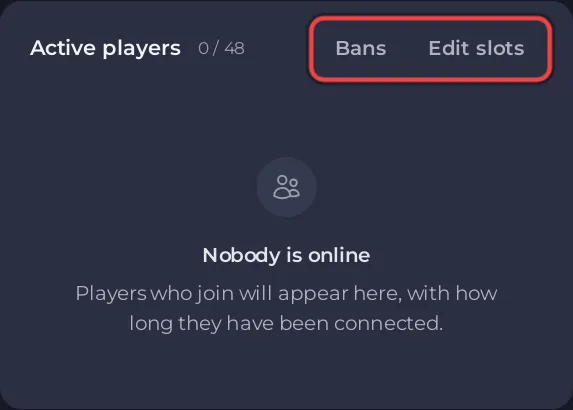
The Active players card on your ARK: Survival Ascended server's Overview page lists everyone who is on, with the count and your slots. The panel asks the game itself every 20 seconds, so a new player shows up within about 20 seconds. Each row has a menu to copy the name, kick or ban.
Open the list
- Open your server in the panel. You land on Overview.
- Look at the Active players card. It shows how many are on out of your slots, and one row per player.
- Click the menu button at the end of a player's row for Copy name, Kick and Ban. See How to kick, ban and unban players on your ARK: Survival Ascended server.
What the card can say
- Nobody is online: the game answered and no one is playing.
- No answer from the server,
It is not answering on its RCON port. That is normal while it is starting or stopped.: the server is starting, stopped, or the panel cannot sign in to the game. See The ARK: Survival Ascended players card says No answer from the server.
The card does not show how long each player has been on: ARK: Survival Ascended does not report it.
See the players' IDs
The card shows names. ARK: Survival Ascended identifies players by their EOS ID, a 32 character code, which you need to unban someone later. A ban made from the card writes the ID into Activity. In the game, an admin can type cheat ListPlayers to list every player with their ID, and each player can see their own with whoami, as the ARK wiki explains.
Good to know
- The same count lets a schedule wait until nobody is on: How to restart your ARK: Survival Ascended server on a schedule.
- Edit slots on the same card changes the player limit: How to change player slots on your ARK: Survival Ascended server.


