

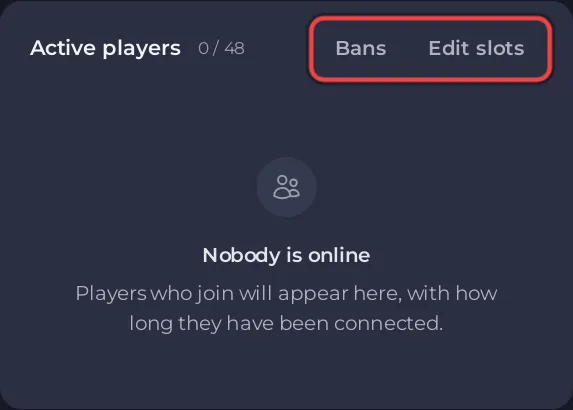
To change how many players fit on your ARK: Survival Ascended server, click Edit slots on the Active players card of the Overview page, choose a number up to your plan's limit and click Update. The server restarts and ARK uses the new limit.
Change the slots
- Open your server in the panel. You land on Overview.
- On the Active players card, click Edit slots. The pencil on the Slots row of the server card does the same.
- In the Edit Player Slots window, choose the number. The window says how many players your plan allows.
- Click Update.
The window warns This will restart your server. Players are disconnected until the server is back Online, so do it when few people are on.
Why Max Players is read only
Max Players in Game Settings shows the limit your server runs with and carries the Read only badge. The panel starts ARK with that number on its start line, which is how ARK: Survival Ascended takes its player limit (the ARK wiki notes that on Ascended this start option replaces MaxPlayers in the settings file). A MaxPlayers line in GameUserSettings.ini therefore has no effect. Use Edit slots.
Good to know
- Slots are the most players online together. A full server turns new players away until someone leaves.
- More slots do not make the server faster. Memory matters more for ARK: How much RAM does an ARK: Survival Ascended server need?
- The top of the range is your plan's limit, shown on My plan in the left menu (owner only). See How many players can join an ARK: Survival Ascended server?


