

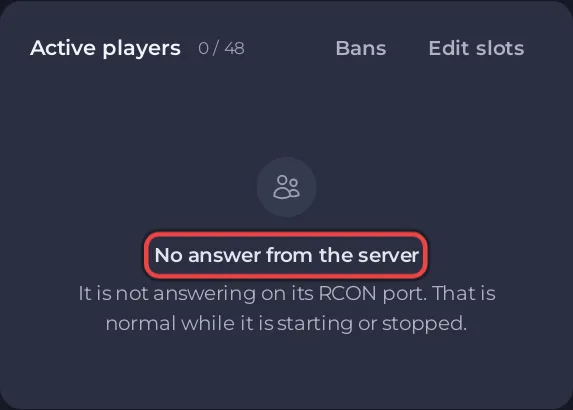
The Active players card says No answer from the server when the panel cannot ask your ARK: Survival Ascended server who is on. Usually the server is starting or stopped. If it is Online and the card still says it, you probably changed the Admin Password without restarting: restart the server and the list comes back within 10 minutes.
What the card says
No answer from the server, with It is not answering on its RCON port. That is normal while it is starting or stopped.
Causes and fixes
The server is starting or stopped
The panel asks the game through its admin port, which opens only once the game has loaded, at Waiting commands for 127.0.0.1: in the Console. Wait until the badge says Online, then give the card a minute.
The Admin Password changed while the server ran
The panel signs in to the game with the Admin Password from Game Settings. A running server keeps the password it started with, so after a change the two do not match until the next start. After a refused sign-in the panel also waits about 10 minutes before it tries again.
Fix: click Restart. The card fills again once the server is Online and the 10 minute wait after the refused sign-in has passed, so allow up to 10 minutes.
The game stopped by itself
If the Console shows [PlayNHost] The ARK server process stopped on its own; restarting the server., wait for the restart to finish.
Good to know
- While the card has no answer, kick, ban and Bans do not work either, and a schedule set to Skip while players are online runs anyway, because the count is unknown.
- More about the card: How to see who is online on your ARK: Survival Ascended server. Setting the password: How to become admin on your ARK: Survival Ascended server.


