



Team Fortress 2 Server Hosting
Just launchedUp to 70% off first monthTeam Fortress 2 server hosting for 10 players (1 GB RAM), with plans up to 30 players, in Europe, North America, South America, Asia or Australia. Turn on SourceMod and Metamod:Source with one switch and a reinstall, upload custom maps and plugins in Files or over SFTP, and set the default map and RCON password in the panel.
 Instant Server Setup
 DDoS Protection
 24/7 Live Support
 72-Hour Money-Back Guarantee
 Automatic Steam Updates
 Automatic Backups
 Full SFTP File Access
 One-Click SourceMod & Metamod Installer
Choose Your Plan
 SCOUT
 SOLDIER
 PYRO
Secure and trusted payments






Exclusive Features
- Automatic Updates
- Auto File Validation
- Scheduled Restarts
- Automatic Backups
- Fully Configurable
- Full SFTP Access
- Control Panel
- 99.9% Uptime
- DDoS Protection
- 24/7 Support
- Low Latency
- Server Console
- Instant Setup
PLAY TF2 MULTIPLAYER
Bring the chaos of TF2 to life with your own custom multiplayer server. Set up classic Capture the Flag, Payload, or custom game modes and enjoy full control over gameplay settings, player limits, and map rotations in one of the most iconic team shooters ever.
MAPS, SOURCEMOD, PLUGINS
Upload custom maps and SourceMod plugins in Files or over SFTP to rebalance classes or host competitive events. SourceMod and Metamod:Source install from the Modding page with one switch and a reinstall, and server.cfg is yours to edit.


TEAM FORTRESS 2 GUIDES
Step-by-step help for your Team Fortress 2 server: joining, mods, settings, backups and fixes.
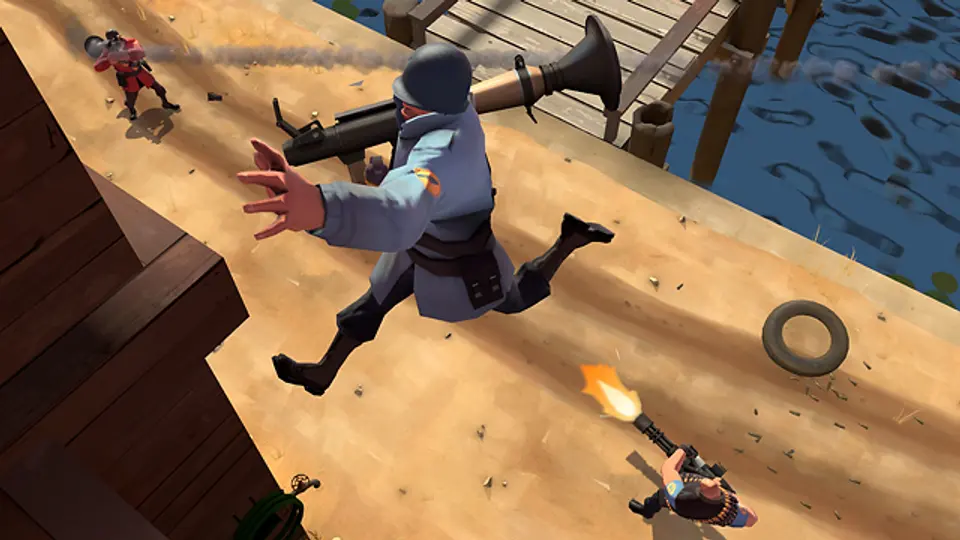

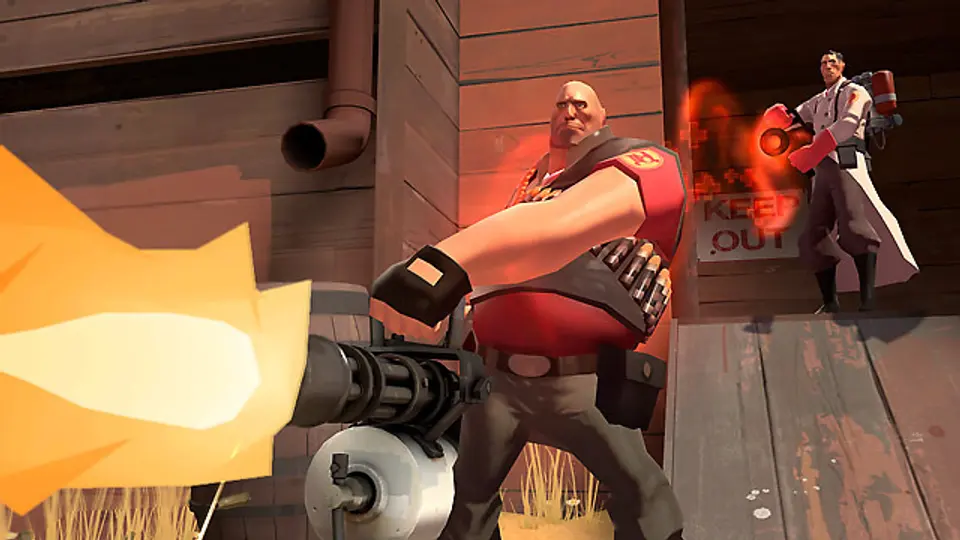
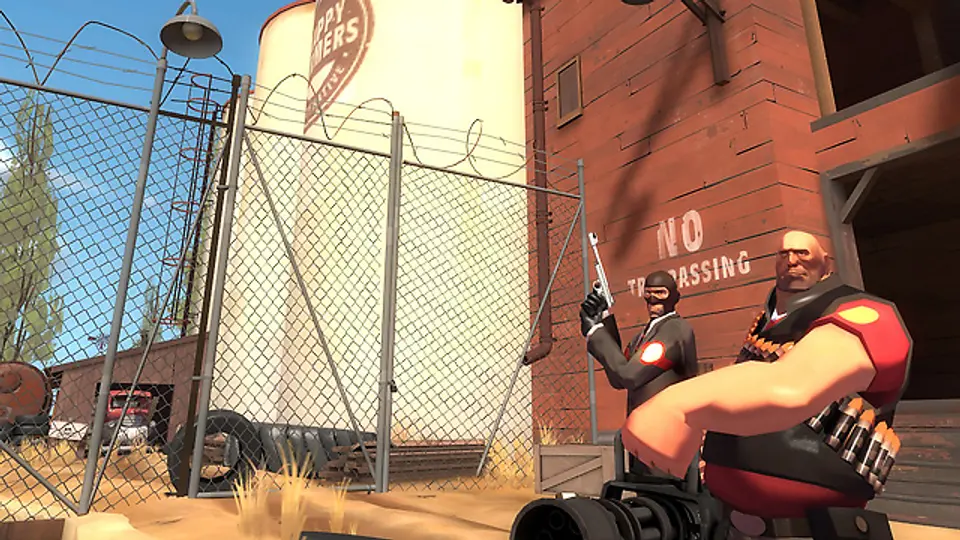
 All Team Fortress 2 guides
Frequently
Asked
Questions
Here are some Team Fortress 2 specific FAQs. If you need even more, head to our knowledgebase.
 View FAQs
What is a Team Fortress 2 Dedicated Server?
How do I start a TF2 server with PlayNHost?
Can I install custom maps and plugins?
Can I get support if I need help setting up?
Do you have servers in multiple regions?
Can I request a refund if needed?
How much does a Team Fortress 2 server cost at PlayNHost?
What do you get with a Team Fortress 2 server at PlayNHost?
Get your own Team Fortress 2 server
Spin up your own Team Fortress 2 server in minutes and run it your way. Powerful hardware, full control, and 24/7 support behind every plan.
Build your Team Fortress 2 server