



Astroneer Server Hosting
Just launchedUp to 70% off first monthAstroneer server hosting for 8 players (4 GB RAM), in Europe, North America, South America, Asia or Australia. The panel shows the two-line join setup every player needs, lists who is online with kick and ban, and lets you switch, upload and download saves.
 Instant Server Setup
 Server Identity & Access Config
 Drag-and-Drop Pak Mod Support
 DDoS Protection
 24/7 Live Support
 72hr Money-Back Guarantee
 Auto-Updates & File ValidationFull SFTP File AccessJoin Guide Built Into the Panel
 Live Player List, Kick and Ban
 Whitelist and Admin Roles That Survive Restarts
 Switch, Upload and Download SavesDaily Restart for Game Updates
Choose Your Plan
 ASTRONIUM
Secure and trusted payments






Exclusive Features
- Automatic Updates
- Auto File Validation
- Scheduled Restarts
- Automatic Backups
- Fully Configurable
- Full SFTP Access
- Control Panel
- 99.9% Uptime
- DDoS Protection
- 24/7 Support
- Low Latency
- Instant Setup
PLAY ASTRONEER MULTIPLAYER
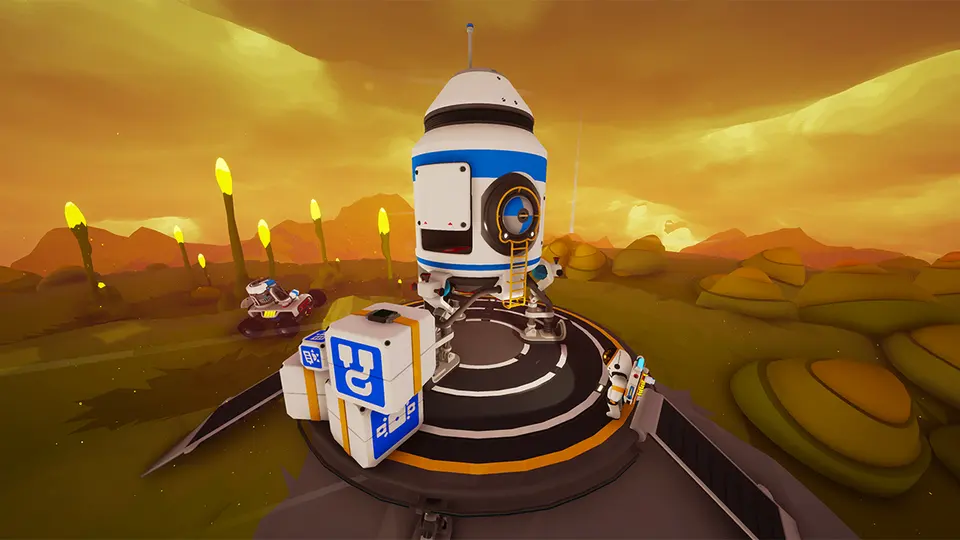
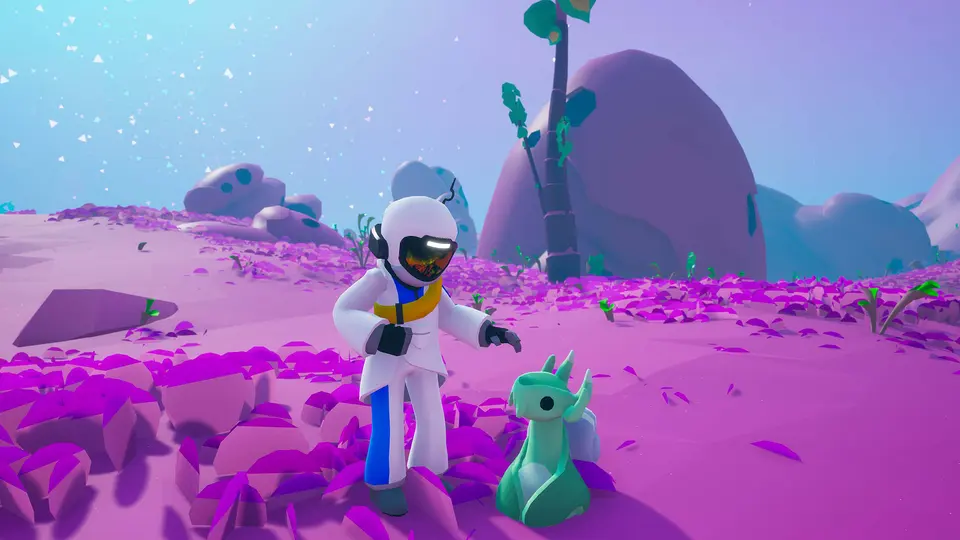
Astroneer offers a peaceful yet immersive experience of space travel, crafting, and world shaping. Our hosting gives you the stability and control you need to explore and expand with friends on every planet.
PLANETS, SAVES, BUILDING
With automated saves and .pak mod uploads, you can focus on creativity and collaboration while we handle the backend. Launch your Astroneer world today.


ASTRONEER GUIDES
Step-by-step help for your Astroneer server: joining, mods, settings, backups and fixes.


 All Astroneer guides
Frequently
Asked
Questions
Here are some Astroneer-specific FAQs. If you need even more, head to our knowledgebase.
 View FAQs
What is an Astroneer dedicated server?
How do my friends join?
Can PlayStation or Xbox players join?
Can I kick, ban or whitelist players?
Can I bring my single-player world?
Are mods supported?
Do you offer a refund?
How much does an Astroneer server cost at PlayNHost?
What do you get with an Astroneer server at PlayNHost?
Get your own Astroneer server
Spin up your own Astroneer server in minutes and run it your way. Powerful hardware, full control, and 24/7 support behind every plan.
Build your Astroneer server