

To set a message of the day on a Necesse server on PlayNHost, open Settings, click cfg/server.cfg, type your message in the Motd row and restart the server. To change it while the server runs, type motd followed by the message in the Console.
Set it in the settings file
- Open your server in the panel and click Stop. Wait for Offline.
- Click the Settings tab, then
cfg/server.cfgunder Config files. - Find the Motd row, described as "Message of the day", and type your message.
- Click Save only, then Start.
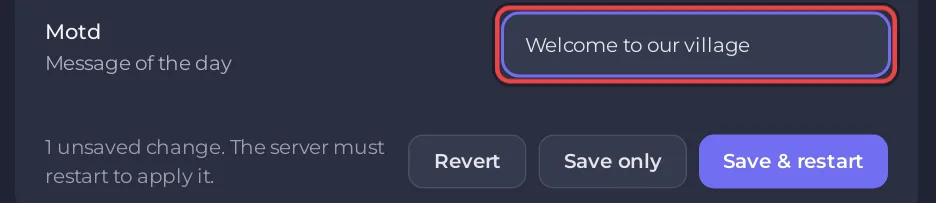
The panel refuses a message with a comma or // in it, because Necesse's settings file uses both for its own format. So a web address such as https://... cannot go in the Motd row; write the site name without https:// instead.
Change it from the Console
Necesse's motd command sets, shows or clears the message of the day on the running server, according to the official Necesse wiki:
motd Welcome! Build near the river, not on it.
motd get
motd clear
Type these in the Console box of the panel, without a slash. In game the same command starts with a slash and needs the Admin level: How to become admin on your Necesse server. The wiki says \n starts a new line in the message. For a message that lasts after a restart, set the Motd row as well: the server reads it when it starts.
All the other options of the file: How to change the server.cfg settings of your Necesse server.


