

To change the name and password of your PlayNHost DayZ server, open Settings, Game Settings, type a new Server Name and a Server Password, and restart the server. The name is what players see in the DayZ server list; the password is what they type to join.
Change them
- Open your server in the panel and click the Settings tab.
- Open Game Settings.
- Type the new Server Name: up to 64 characters on one line.
- Type a Server Password: up to 20 characters, using only letters, numbers, dashes and underscores. Leave it empty for a server anyone can join.
- Click outside the field to save each one, then click Restart now.
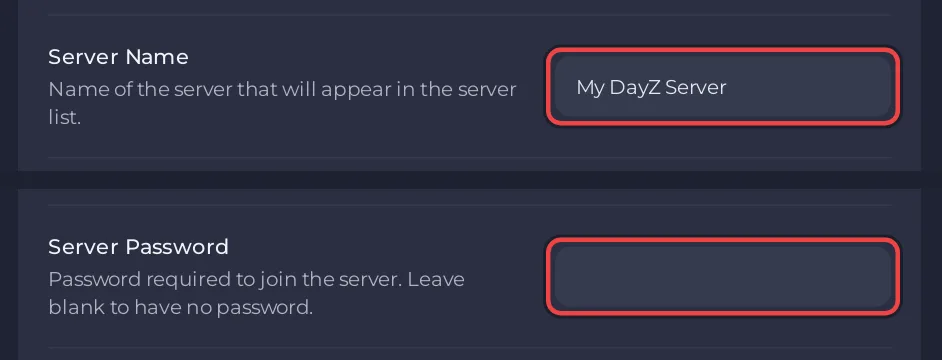
After the restart, the server list shows the new name, and players who join are asked for the password. Bohemia's list of DayZ error codes names the messages a player sees without it: Server is password protected., and Cannot join the session. Wrong password entered. for a wrong one.
Why the panel refuses a password
DayZ passwords on PlayNHost accept letters, numbers, - and _, up to 20 characters. A space or a symbol such as !, # or @ is refused and the old value stays. The same rule applies to Admin Password and RCON Password.
Do not change them in serverDZ.cfg
The panel writes the name (hostname) and the password (password) into serverDZ.cfg at every start. A name typed into the file is replaced at the next start by the one in Game Settings. See How to edit serverDZ.cfg on your DayZ server.
The name on the Overview page
The Server Name on the server card of the Overview page is the panel's name for your server, the one you see in your list of servers. Renaming it there does not change the name players see in DayZ. The in-game name is Server Name in Game Settings.


