

Invite your friend from Team & Roles in the left menu and give them a role with the permissions for what they should do. Playing on your ARK: Survival Ascended server needs only the server name and the Server Password. Running it in the panel needs a role, and being admin in the game needs the Admin Password.
Invite someone
- Open your server in the panel and click Team & Roles in the left menu.
- Click Invite someone, enter their email address, choose a role and send the invitation.
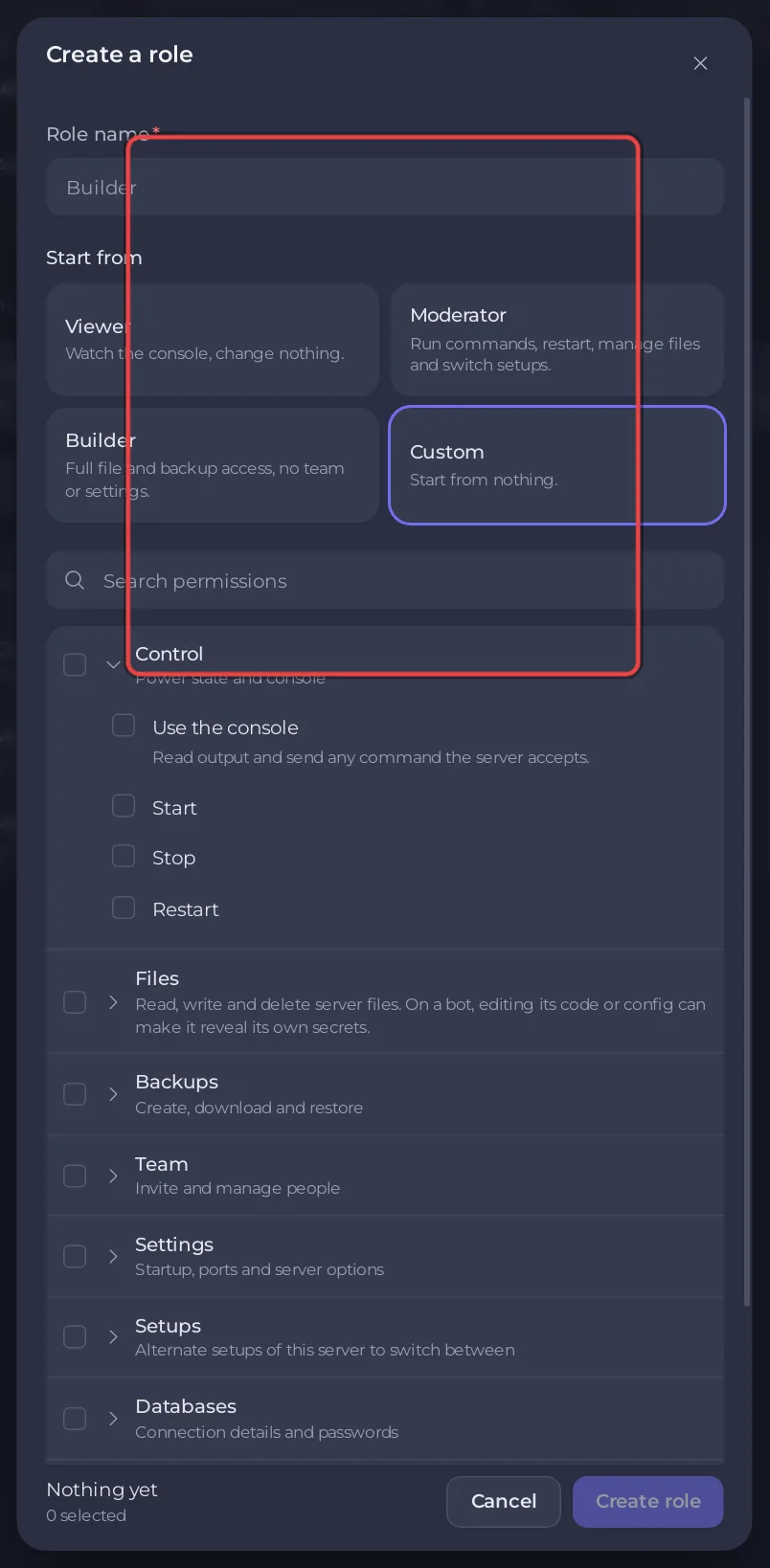
The built-in roles and how to make your own are in How to invite friends and give them access.
Which permission an ARK task needs
On the Roles tab, Create role (or Edit permissions on a role) lists the permissions in groups such as Control, Files, Backups, Settings and Schedules:
| Task | Permissions it needs |
|---|---|
| Start, stop, restart the server | Control: Start, Stop, Restart |
| Type commands in the Console, Kick and Ban on the Active players card | Control: Use the console |
| Bans on the Active players card (unban by ID) | Use the console, plus Files: Read contents and Create and upload |
| Change Game Settings: name, passwords, map, mods, Crossplay | Settings: View startup and Change startup |
| See Game User Settings and Game Rules (Game.ini) | Settings: View startup, plus Files: Read contents |
| Save those two files | the above, plus Files: Edit and rename |
| Make and restore backups | Backups: View backups, Create, Restore |
| Add or change schedules on Quick Tasks | Schedules: View schedules, Create, Edit |
If a button is missing for your friend, their role lacks the permission for it. Deleting files, restoring backups and schedules that reset the world can lose it: give those only to people you trust.
Make someone admin in the game
A panel role gives nothing inside the game. To let a friend use admin commands while playing, give them the Admin Password, or put their EOS ID in the admin list file: How to become admin on your ARK: Survival Ascended server.
Good to know
- Your friend gets their own sign-in. Never share your panel password.
- To remove access, open Team & Roles and remove the person.
- Kicking and banning from the panel: How to kick, ban and unban players on your ARK: Survival Ascended server.
- To see who did what, including the player ID of every ban made from the panel, use Activity: How to see what happened on your server.


