

Open Ports & Network in the left menu, find Server list votes on the Add-ons card and click Set up, then restart the server. The panel installs NuVotifier, gives it a port of its own and shows the vote address, the token and the public key to paste into the server list sites where players vote for you. A separate plugin then rewards the players who vote.
What you need
- A server running Paper, Purpur or Spigot. NuVotifier is not offered on Folia, the mod loaders, the hybrids or Vanilla, and the row says why.
- A free port. The vote listener takes one port from your plan.
- Permission to create files and to add ports.
Set it up
- Open your server in the panel and click Ports & Network in the left menu.
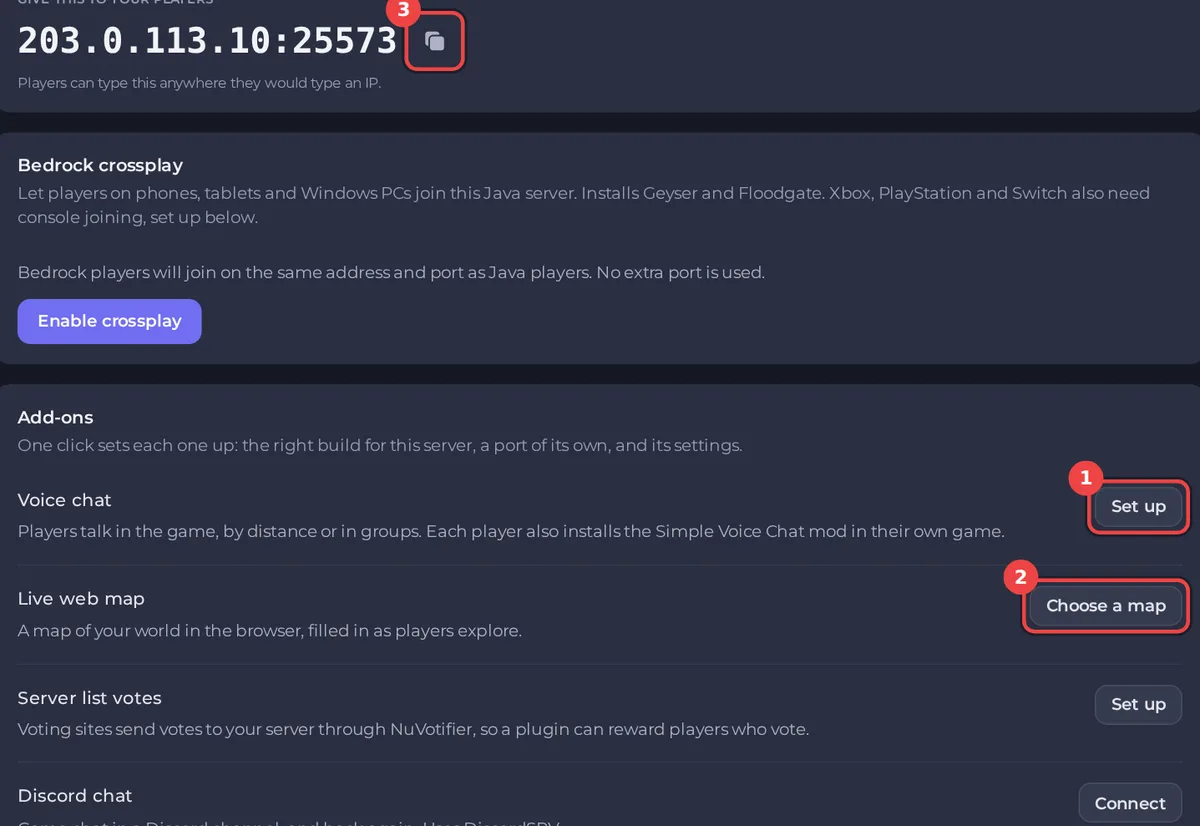
- On the Add-ons card, find Server list votes:
Voting sites send votes to your server through NuVotifier, so a plugin can reward players who vote.Click Set up. - If the row says One step left with
Start the server once so NuVotifier writes its settings, then press Finish set-up., start the server, then click Finish set-up. - When the card says
Restart the server to start what you set up., click Restart now. When the badge says Running, the row shows:
- the vote address, with Copy the vote address;
- Token (for sites using Votifier v2);
- Public key (for sites that ask for one).
Add your server to a server list
On each server list site, in your server's settings there, paste what the site asks for:
- the vote address (host and port) from Copy the vote address;
- the Token, if the site supports Votifier v2;
- or the Public key, if it asks for one.
Then use the site's vote test, if it has one, and watch the Console for the vote.
Keep the token private. NuVotifier's guide says it should never be shown to anyone but you and the server lists that support NuVotifier voting. The panel shows it only to people who can open the server's files; others see The token is shown to people who can open this server's files.
Reward the voters
NuVotifier only receives votes. Its guide says it does not include any listeners by default: a separate vote listener plugin gives the rewards. Install one from Modding, Plugins (search for "vote"), and set its rewards in its settings. See How to install plugins on Paper, Spigot and Purpur and How to edit plugin and mod settings on your Minecraft server.
Switch it off
Click Switch off on the row. NuVotifier is switched off, not deleted, and its port stays on the server with no label. Remove the port in All ports on the same page if you no longer need it, and restart the server.
If it does not work
This server already uses all <n> ports its plan includes, so a vote listener port could not be added.: remove a port you do not use on Ports & Network, then try again.- Did not start: read the Console for NuVotifier's error.
- Votes do not arrive: check that the site has the right address and port, and the token or public key from this row, and that the server is running.
- Votes arrive but nobody is rewarded: install and set up a vote listener plugin (above).


