

Crop growth, food spoiling and how long loot and bodies stay on the ground are set in the Farming and decay group of Game Rules (Game.ini) on your ARK: Survival Ascended server. Raise Crop growth speed for faster farming or Food spoiling time for food that lasts longer, then click Save & restart.
Change the values
- Open your server in the panel and click the Settings tab.
- Under Config files, click Game Rules (Game.ini). If it is missing, create
Game.inifirst: How to edit GameUserSettings.ini and Game.ini on your ARK: Survival Ascended server. - Open the Farming and decay group and type the new numbers.
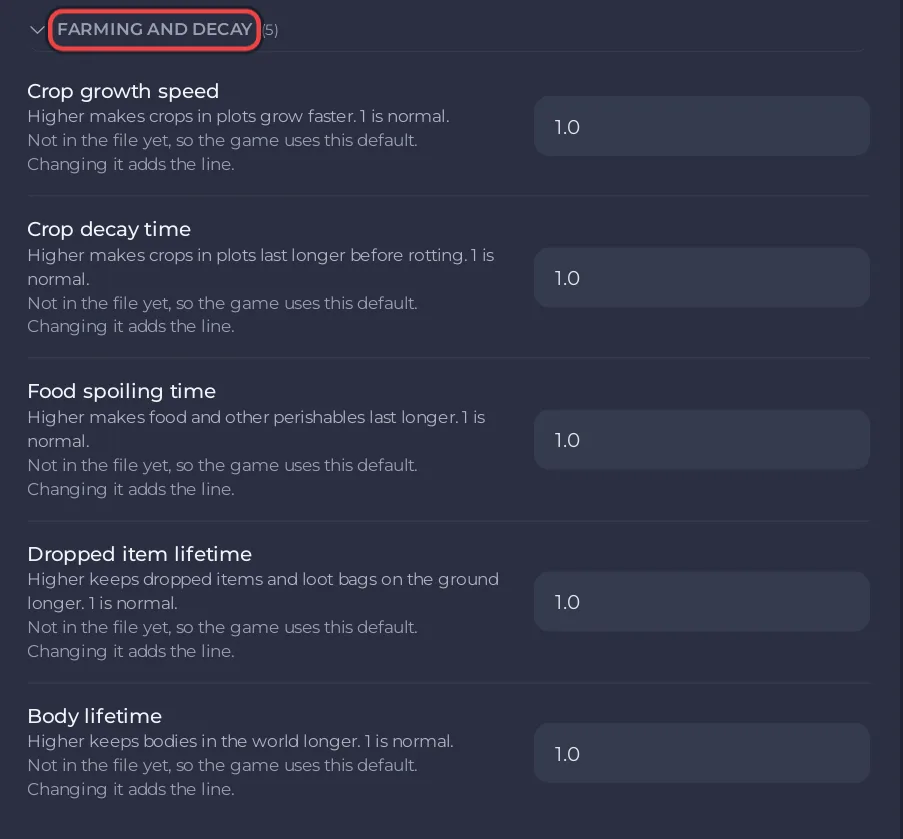
- Click Save & restart, or Save only to apply them at the next start.
The Farming and decay group
| Setting | What the panel says | Default |
|---|---|---|
| Crop growth speed | Higher makes crops in plots grow faster. | 1.0 |
| Crop decay time | Higher makes crops in plots last longer before rotting. | 1.0 |
| Food spoiling time | Higher makes food and other perishables last longer. | 1.0 |
| Dropped item lifetime | Higher keeps dropped items and loot bags on the ground longer. | 1.0 |
| Body lifetime | Higher keeps bodies in the world longer. | 1.0 |
Good to know
- Longer Dropped item lifetime and Body lifetime leave more objects in the world, which the server has to keep track of.
- Structure decay is a different setting: How to change structure and decay settings on your ARK: Survival Ascended server.
- The labels and defaults follow the ARK wiki.


