

A Sons of the Forest dedicated server holds at most 8 players at the same time. Endnight's dedicated server guide gives MaxPlayers a range of 1 to 8, so no host can offer more on one server. On PlayNHost, your server's limit is the Player Slots value in Settings, which comes with your plan.
Where to see your server's player limit
- Open your server in the panel.
- Look at Slots on the server card of the Overview page.
- Or click the Settings tab, then Game Settings, and find Player Slots. It carries a Read only badge.
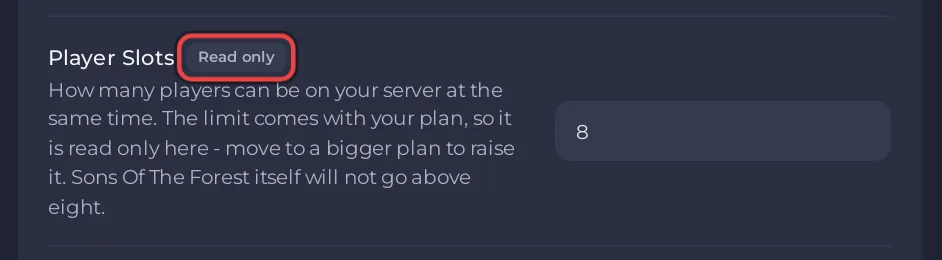
The server passes Player Slots to the game every time it starts, so the game enforces it. Typing another number into dedicatedserver.cfg does not change it.
Why is Player Slots read only?
The value comes with your plan, so the panel does not let you raise it on the Settings page. For a Sons of the Forest server it can never go above 8, the game's own limit. My plan in the left menu shows what your plan includes.
Do all players need to own the game?
Each player needs their own copy of Sons of the Forest. The server itself does not: the dedicated server is a free download from Steam, and your PlayNHost server installs it by itself.
Can more than 8 friends take turns?
Yes. The limit is for players connected at once. Anyone who has the address and the password can join when a slot is free. Owners can kick a player from the game to free a slot: How to become admin on your Sons of the Forest server.


